
A weak signal in the back bedroom, garage, or upstairs office does not automatically mean you need a faster internet plan. In the mesh WiFi vs extender decision, the right choice depends on the size and layout of your home, where the problem occurs, and how you use the connection there.
For one small dead zone, a Wi-Fi extender can be an inexpensive fix. For larger homes, multiple problem areas, or households moving between rooms on video calls, a mesh Wi-Fi system is usually the better long-term answer. The key is knowing what each device actually does.
Mesh WiFi vs Extender: The Basic Difference
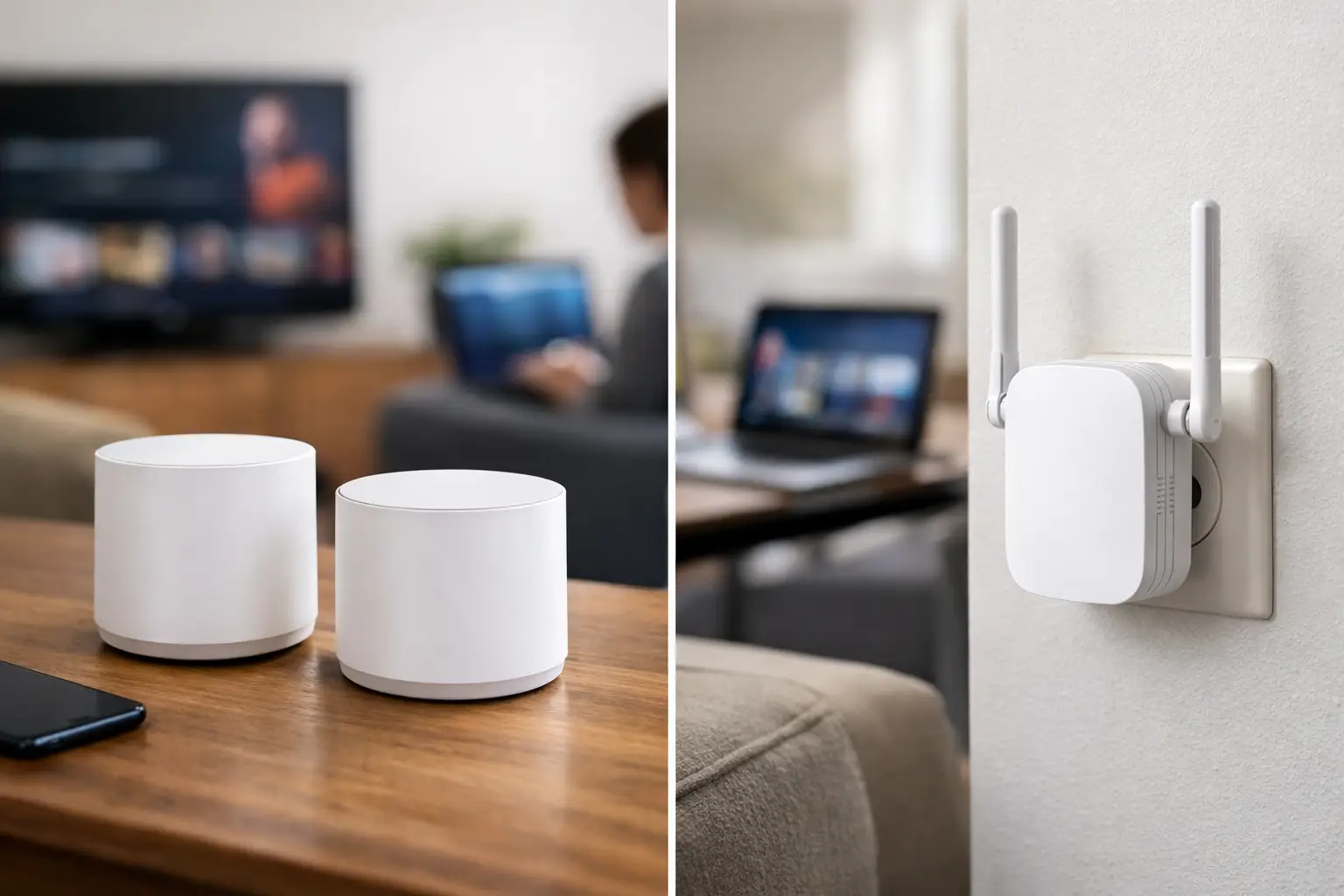
A Wi-Fi extender, also called a repeater or range extender, picks up the wireless signal from your existing router and rebroadcasts it farther away. Think of it as a relay point. It can help a device connect where the router’s signal had become too weak to use.
A mesh Wi-Fi system uses two or more matching units, often called nodes. One connects to your modem or internet gateway, while the others are placed around the home. Together, they create one coordinated Wi-Fi network designed to cover a wider area.
The difference matters when you move around the house. An extender may create a separate network name, such as “HomeWiFi_EXT,” although some newer models can use the same name as the main router. A mesh system normally presents one network name and automatically hands your phone, laptop, or streaming device to the node with the strongest connection.
When a Wi-Fi Extender Makes Sense
An extender is worth considering when your Wi-Fi is generally good and one nearby area needs help. For example, your router may cover most of a 1,500-square-foot home well, but the patio camera or guest bedroom at the far end has an unreliable connection.
It is also a reasonable option for renters who do not want to replace a landlord-provided router or invest in a whole-home system. Plug-in extenders are easy to move and usually cost less than a mesh kit.
Placement is the part people often get wrong. An extender cannot create a strong signal from a weak one. Put it roughly halfway between the router and the dead zone, in a spot where your phone or laptop still receives a solid Wi-Fi signal. Plugging it directly inside the dead zone usually leads to disappointing performance.
An extender can work well for lighter tasks such as web browsing, checking email, or connecting a smart thermostat. It may be less satisfying for 4K streaming, online gaming, large file uploads, or video meetings, especially if the extender has to use Wi-Fi both to receive and retransmit data.
Where Extenders Fall Short
The most common limitation is speed. Many extenders use the same wireless radio to communicate with the router and with your devices. That shared connection can reduce the usable speed available to devices connected through the extender.
This does not mean every extender cuts speeds in half in every situation. Hardware, distance, Wi-Fi standards, interference, and device capability all affect the result. But an extender adds another wireless hop, and each hop gives the signal another chance to slow down or become less reliable.
Extenders can also be awkward in homes with several weak spots. Adding one extender for an upstairs room and another for the garage may create a patchwork of networks and placement problems. At that point, the lower upfront cost can stop looking like much of a bargain.
Why Mesh Wi-Fi Is Better for Larger Coverage Problems
Mesh systems are built for homes where coverage, not internet-plan speed, is the main problem. They are especially useful in multi-story homes, long ranch-style homes, houses with dense walls, and properties where the router must sit at one end of the building.
Instead of stretching one router’s signal as far as possible, mesh places Wi-Fi access points closer to the devices that need them. A properly placed node upstairs or near a home office gives nearby devices a much better starting signal than an extender trying to repeat a distant one.
Most mesh systems also handle roaming better. If you start a video call in the kitchen and walk to the upstairs office, your phone or laptop can transition between nodes with less interruption. That is a meaningful advantage for families with multiple people streaming, gaming, attending virtual classes, or working from home.
Some higher-end mesh systems use a dedicated connection between nodes, called a backhaul. Others let you connect nodes with Ethernet cables. Either approach can preserve more speed than a basic wireless extender arrangement. Wired backhaul is particularly helpful for a detached office, finished basement, or entertainment room with heavy streaming and gaming use.
Mesh WiFi vs Extender: Cost and Setup
An extender is generally the cheaper and simpler purchase. It may be enough if you are solving one modest coverage issue and do not expect major demands in that area. Setup usually involves plugging it in, connecting with an app or browser page, and choosing the existing Wi-Fi network.
A mesh system costs more because you are buying multiple coordinated access points. Setup is still manageable for most households. Typically, you connect the primary node to the modem, use an app to create a network name and password, then place the additional nodes where coverage needs improvement.
Before buying either one, check what equipment you already have. Some internet providers supply a gateway that combines a modem and router. Others supply only a modem, leaving the router up to you. A mesh system can often replace the router function entirely, but the provider gateway may need to be placed in bridge mode or have its Wi-Fi turned off to avoid network conflicts.
If that sounds more involved than you want, an extender may be the easier first step. Still, do not choose it solely because setup feels simpler. A mesh system often needs a little more effort once and then requires far less troubleshooting afterward.
Your Internet Speed Still Sets the Ceiling
Neither a mesh system nor an extender increases the speed coming into your home. If your service delivers 300 Mbps at the router, Wi-Fi equipment cannot turn it into gigabit service. It can only help more of your home access the speed you already pay for.
Start by testing a laptop or desktop connected directly to the router with an Ethernet cable. If that result is much lower than your plan’s expected performance, the issue may be your internet service, modem, router, or wiring rather than Wi-Fi range.
For a typical household, 100 Mbps is a practical starting point. Active families with several people streaming, gaming, working remotely, and using connected devices often benefit from 300 to 500 Mbps. A gig or faster plan can make sense for heavy-use homes, but it will not fix a router tucked in a cabinet or a weak signal blocked by several walls.
How to Choose for Your Home
Choose an extender if your current router performs well in most rooms, you have one limited dead zone, and the devices in that area do not need consistently high speeds. It is also a sensible lower-cost experiment when you can return it if placement does not work out.
Choose mesh Wi-Fi if weak coverage affects more than one area, your household regularly moves between rooms while connected, or several people depend on stable Wi-Fi for work, school, streaming, and gaming. It is usually the better fit for homes above one story or homes with challenging layouts.
There is one more possibility: replacing an old router. If your router is several years old, does not support current Wi-Fi standards, or struggles even in the same room, a single modern router may solve the problem without an extender or mesh kit. Router placement matters too. Keep it in a central, elevated, open location when possible, rather than behind a TV, inside a cabinet, or next to large metal appliances.
The practical goal is not to fill the home with the most equipment. It is to put a strong, reliable Wi-Fi signal where people actually use their devices. Test your current coverage first, fix router placement if you can, and then choose the simplest solution that addresses the real problem.