
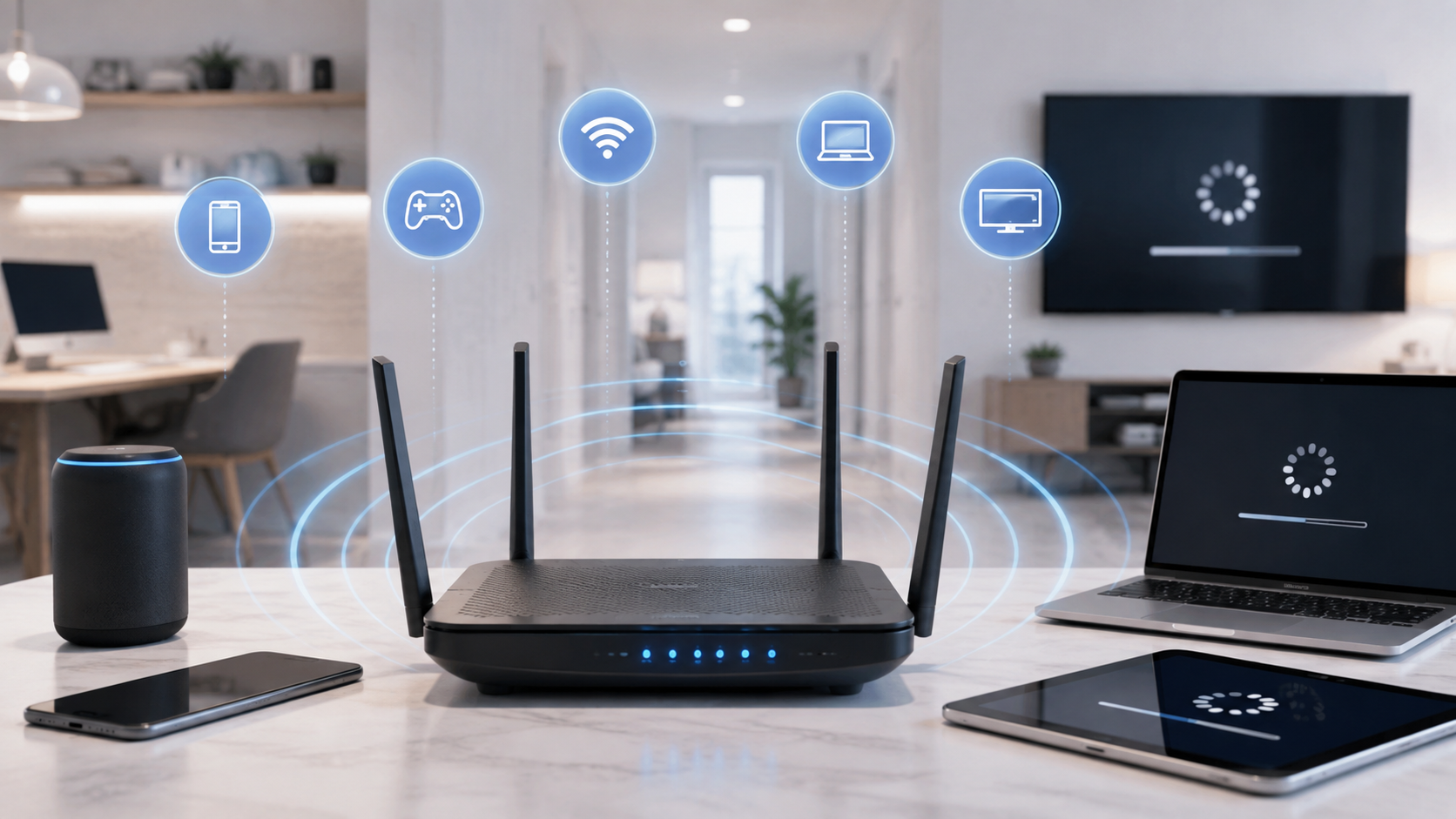
If your internet suddenly feels slow, the problem is not always your internet plan.
Slow internet can be caused by weak Wi-Fi, poor router placement, too many devices using the connection at once, background downloads, older equipment, network congestion, or even a problem with a single device.
Before paying for faster internet, it helps to figure out where the slowdown is actually happening.
Why Is My Internet So Slow?
Some of the most common causes of slow internet include:
- Weak Wi-Fi signal
- Poor router placement
- Too many devices using the internet at once
- Large downloads or updates running in the background
- Limited upload speed
- Older Wi-Fi equipment
- Wireless interference
- Internet congestion during busy hours
- A slow computer, phone, or streaming device
- A problem with your internet provider
- An internet plan that no longer provides enough capacity for your household
The easiest way to narrow it down is to start with a speed test.
Start With an Internet Speed Test
Run an internet speed test on a modern phone or computer while you are close to your Wi-Fi router.
Look at three measurements:
| Measurement | What it means |
|---|---|
| Download speed | How quickly information travels from the internet to your device |
| Upload speed | How quickly information travels from your device to the internet |
| Latency or ping | How quickly your connection responds |
Do not worry if your Wi-Fi speed test does not exactly match the maximum advertised speed of your internet plan.
Wi-Fi conditions, your device, distance from the router, network traffic, and the speed-test server can all affect the result.
What matters more is whether your results are reasonably close to what you should be receiving and whether the speed changes depending on where or how you test.
Test Your Internet With Ethernet If Possible
One of the best ways to troubleshoot slow internet is to compare Wi-Fi performance with a wired Ethernet connection.
Connect a computer directly to your router or gateway using an Ethernet cable and run another speed test.
Ethernet Is Fast but Wi-Fi Is Slow
If your wired connection is fast but Wi-Fi is slow, your internet provider may not be the problem.
The issue is probably somewhere inside your home Wi-Fi network.
Possible causes include:
- Weak wireless coverage
- Router placement
- Wi-Fi interference
- Older equipment
- Distance from the router
- Walls or floors blocking the signal
Upgrading from a 500 Mbps internet plan to a 1 Gig plan may do very little if poor Wi-Fi coverage is the real problem.
Ethernet and Wi-Fi Are Both Slow
If both connections are significantly slower than expected, the problem could involve:
- Your modem or gateway
- Your internet provider
- Your internet plan
- A provider outage
- Local network congestion
- A damaged or degraded connection
That is usually a good time to restart your equipment and check with your internet provider.
1. Your Wi-Fi Signal Is Weak
Wi-Fi signals become weaker as you move farther away from your router.
Walls, floors, furniture, appliances, and other objects can also reduce the strength of the signal.
This is why internet may work perfectly in your living room but become slow in an upstairs bedroom, garage, basement, or another part of the house.
Signs of weak Wi-Fi can include:
- Buffering
- Slow speed tests
- Lower streaming quality
- Dropped video calls
- Gaming lag
- Devices disconnecting from Wi-Fi
Try running a speed test next to your router and then another test in the room where you normally experience problems.
If there is a large difference, you probably have a Wi-Fi coverage problem rather than an internet speed problem.
2. Your Router Is in a Bad Location
Where you place your Wi-Fi router can have a major effect on performance.
A router generally works best in an open, reasonably central location.
Avoid placing it:
- Inside a cabinet
- Behind a television
- On the floor
- In a closet
- In a basement corner
- At one end of a large house
- Next to large appliances
- Surrounded by other electronic equipment
Moving your router even a relatively short distance can sometimes improve coverage.
If your internet connection enters the house in a poor location, a mesh Wi-Fi system or additional wireless access point may provide better coverage.
3. Too Many Devices Are Using the Internet
The number of devices connected to your network is not always the problem.
What those devices are doing matters much more.
A smart light bulb may use almost no noticeable bandwidth.
A television streaming 4K video, a game console downloading a 100 GB game, security cameras uploading video, and two people participating in video meetings can use a substantial amount of your connection.
Modern households may have dozens of connected devices, including:
- Smartphones
- Tablets
- Computers
- Smart TVs
- Streaming devices
- Game consoles
- Security cameras
- Video doorbells
- Smart speakers
- Watches
- Appliances
- Smart-home equipment
When several high-bandwidth activities happen at the same time, internet performance can begin to suffer.
4. Something Is Downloading in the Background
Internet can suddenly feel slow because another device is using a large amount of bandwidth without you realizing it.
Common examples include:
- Game downloads
- Game updates
- Computer updates
- Phone backups
- Cloud photo synchronization
- Large work files
- Streaming-device updates
- App downloads
- Security camera uploads
Modern games and software updates can be extremely large.
A game console downloading an update in another room can potentially affect the internet experience throughout the house.
If your connection suddenly becomes slow, check your computers, phones, tablets, consoles, and cloud services for background activity.
5. Your Upload Speed Is Full
Download speed gets most of the attention, but upload speed can also affect how responsive your internet feels.
Your home uses upload bandwidth when you:
- Participate in video meetings
- Use FaceTime or another video calling service
- Upload photos and videos
- Back up files to the cloud
- Send large attachments
- Livestream
- Upload content
- Use cloud-connected security cameras
- Use a video doorbell
Some internet connections provide much less upload speed than download speed.
For example, a connection may provide hundreds of megabits per second of download capacity while offering much less upload capacity.
If several devices begin uploading information at the same time, that smaller amount of available bandwidth can become crowded.
This can make the entire connection feel less responsive.
Fiber internet often performs particularly well for households with heavy upload usage because many fiber plans provide similar download and upload speeds.
6. Your Router Is Outdated
A fast internet plan still depends on the equipment distributing that connection throughout your home.
An older router may struggle with:
- Faster internet plans
- Large numbers of devices
- Modern Wi-Fi standards
- Multiple simultaneous streams
- Gaming
- Video conferencing
- Smart-home equipment
If your router is several years old, it may be worth checking which Wi-Fi standards and maximum speeds it supports.
This is especially important if you have upgraded your internet plan but continued using the same router.
If you rent a gateway or router from your internet provider, you can also ask whether a newer model is available.
7. Wi-Fi Interference Is Slowing Your Connection
Your Wi-Fi network does not operate in isolation.
Nearby wireless networks and electronic devices can interfere with the frequencies your router uses.
This is especially common in:
- Apartments
- Condominiums
- Townhomes
- Dormitories
- Dense neighborhoods
Modern Wi-Fi can operate across different frequency bands.
2.4 GHz Wi-Fi
The 2.4 GHz band generally provides longer range but can be slower and more congested.
5 GHz Wi-Fi
The 5 GHz band usually provides faster speeds but does not travel as far through walls and other obstacles.
6 GHz Wi-Fi
Newer Wi-Fi equipment may also support the 6 GHz band.
This can provide additional wireless capacity for compatible devices, although its useful range may be shorter.
Modern routers often manage these connections automatically, but interference and poor network design can still affect performance.
8. Your Internet Gets Slow at Night
If your internet works well during the day but consistently becomes slower in the evening, congestion could be contributing to the problem.
Evening hours tend to be busy because more households are simultaneously:
- Streaming television
- Gaming
- Downloading files
- Watching online video
- Using connected devices
The amount of congestion you experience depends on your internet provider, connection type, location, and how the local network has been designed.
Try running speed tests at several different times:
- Morning
- Afternoon
- Early evening
- Late evening
Repeat the tests over several days.
If your wired internet speed consistently drops during the same evening period, contact your provider and share those results.
9. One Device Is Slow
If internet feels slow on one device but everything else works normally, your internet connection may be perfectly fine.
The problem could be the device.
Possible causes include:
- Older Wi-Fi hardware
- Background applications
- Limited storage
- Software updates
- Browser extensions
- Malware
- Power-saving settings
- An aging streaming device
- Limited processing power
Try using the same website, app, or streaming service on another device.
If it works normally, troubleshoot the original device rather than your entire internet connection.
10. The Website or App Is Slow
Sometimes your internet is not slow at all.
The website, game server, streaming service, or application you are using may be experiencing its own performance problem.
If one service is slow but everything else works normally, test several unrelated websites or applications.
For example, if one streaming platform is buffering but another works perfectly, the issue may be with that service rather than your ISP.
11. Your Internet Provider Is Having a Problem
Sometimes the slowdown really is outside your home.
Internet providers can experience:
- Local outages
- Fiber cuts
- Damaged lines
- Equipment failures
- Maintenance
- Signal problems
- Local congestion
- Weather-related damage
Check whether your provider is reporting an outage.
You can also restart your modem or gateway and test again.
If several devices are slow, Ethernet is slow, Wi-Fi is slow, and restarting your equipment does not help, contacting your internet provider is a reasonable next step.
12. Your Internet Plan Is No Longer Fast Enough
Sometimes there is nothing wrong with the network.
Your household may simply be using more internet than it did when you originally selected your plan.
A modern household might have several activities happening at once:
- Multiple TVs streaming
- Online gaming
- Video meetings
- Large downloads
- Cloud backups
- Security cameras
- Smartphones
- Tablets
- Smart-home devices
Individually, many of these activities do not require an enormous amount of bandwidth.
The challenge is simultaneous use.
For many households, internet plans in the 300 to 500 Mbps range provide plenty of room for normal everyday activity.
Busy households with several heavy users, multiple 4K streams, gaming, remote work, security cameras, and frequent large downloads may benefit from 500 Mbps to 1 Gbps or more.
The goal should not be to purchase the fastest plan available.
The goal is to have enough capacity for your household during its busiest periods.
Why Is My Internet Fast Near the Router but Slow in My Bedroom?
This usually indicates a Wi-Fi coverage problem.
The internet connection entering your house may be working correctly, but the wireless signal becomes weaker before reaching the other room.
Distance, walls, floors, furniture, and interference can all contribute.
Run a speed test next to your router and another in the problem area.
If speeds are significantly better near the router, consider:
- Moving the router
- Moving obstacles away from the router
- Adding a wireless access point
- Installing a mesh Wi-Fi system
- Upgrading older Wi-Fi equipment
Purchasing more internet speed alone may not solve the problem.
Why Is My Internet Slow at Night but Fast During the Day?
A consistent evening slowdown can be a sign of network congestion.
More people tend to be online during evening hours, which increases demand on local internet infrastructure.
Run wired speed tests at approximately the same times for several days.
If speeds repeatedly drop during busy evening periods, keep the results and contact your internet provider.
Why Is My Internet Slow Even Though My Speed Test Is Fast?
A fast speed test does not guarantee that every online activity will feel fast.
You could still experience problems caused by:
- High latency
- Wi-Fi instability
- Packet loss
- A slow website
- A congested game server
- Device performance
- DNS issues
- Poor routing between networks
- Limited upload capacity
Download speed is only one part of internet performance.
Responsiveness and reliability matter too.
Will Gigabit Internet Fix Slow Wi-Fi?
Not necessarily.
Gigabit internet increases the amount of internet capacity available to your home.
It does not automatically improve Wi-Fi coverage.
If your connection is slow because your bedroom has a weak Wi-Fi signal, upgrading from 500 Mbps to 1 Gbps may make little difference in that room.
When wired speeds are good but Wi-Fi is poor, focus on your home network before upgrading your internet plan.
Should I Restart My Router?
Restarting your modem, gateway, or router is a reasonable troubleshooting step.
It can clear temporary software or connection problems.
Disconnect the equipment from power, wait briefly, reconnect it, and allow everything to completely restart.
However, you should not have to constantly restart a healthy modern router.
If restarting the equipment becomes a regular requirement, there may be a hardware, firmware, signal, or provider problem that needs further investigation.
How Fast Should My Internet Be?
There is no single internet speed that is right for every household.
A useful starting point is:
| Household use | Suggested download speed |
|---|---|
| Light internet use | 100-300 Mbps |
| Typical modern household | 300-500 Mbps |
| Busy household with many active devices | 500 Mbps-1 Gbps |
| Very heavy use or frequent large downloads | 1 Gbps or more |
These are practical starting points rather than strict requirements.
The type of internet connection, upload speed, Wi-Fi equipment, number of users, and what those users are doing all matter.
If you are unsure what speed fits your household, see our guide on How Much Internet Speed Do I Need?
Slow Internet Troubleshooting Checklist
If your internet feels slow, try these steps in order:
- Run a speed test near your router.
- Test another device.
- Restart your modem, gateway, and router.
- Check for large downloads or updates.
- Look for cloud backups or camera uploads.
- Test Wi-Fi in several rooms.
- Run an Ethernet speed test if possible.
- Compare download speed, upload speed, and latency.
- Test at different times of the day.
- Check for an internet provider outage.
- Make sure your router supports your internet plan.
- Decide whether your household may need more bandwidth.
- Contact your provider if wired speeds remain much lower than expected.
The Bottom Line
When your internet feels slow, do not immediately assume you need a faster plan.
First determine where the slowdown is happening.
If Ethernet is fast but Wi-Fi is slow, focus on your router and wireless network.
If every device is slow, including a wired connection, investigate your modem, gateway, provider, or internet plan.
If internet works well in one room but poorly in another, you probably have a Wi-Fi coverage problem.
And if the slowdown only happens during certain activities, check for downloads, updates, cloud backups, cameras, or other devices consuming bandwidth.
Finding the actual cause first can save you money and usually leads to a much better solution.