
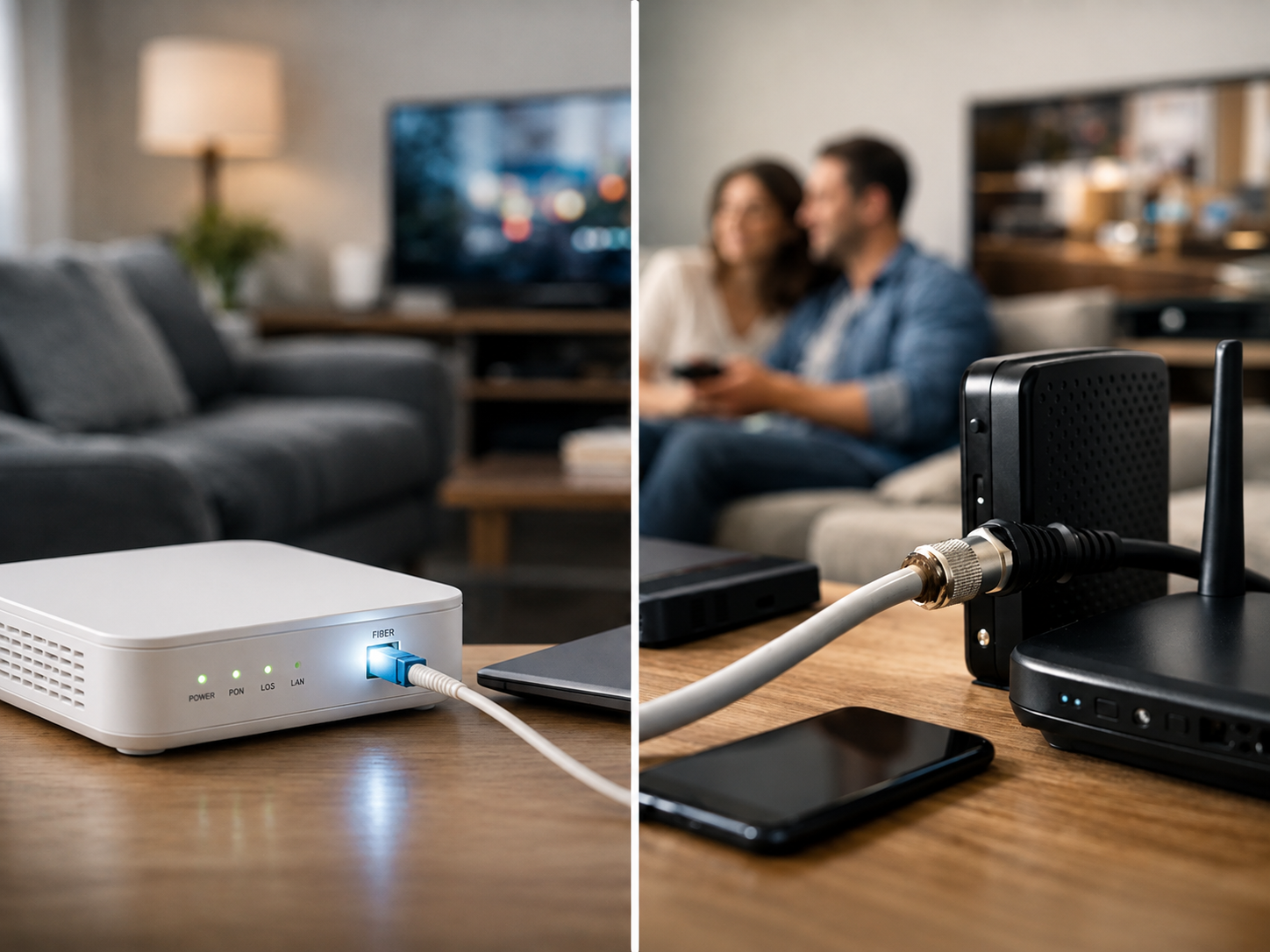
A plan labeled with the same download speed can feel very different depending on the connection behind it. That is the real issue in a fiber vs cable internet decision. Fiber usually delivers faster uploads, more consistent performance, and lower delay. Cable remains a strong, widely available choice for many homes, especially when the plan, price, and in-home Wi-Fi setup are right.
For most people, the better option is the one that meets their household’s actual needs without paying for capacity they will never use. Here is how to compare the two technologies in practical terms.
Fiber vs Cable Internet at a Glance
Fiber internet sends data as pulses of light through thin glass strands. Cable internet uses the coaxial wiring originally installed for television service, although modern cable networks also use fiber for much of the route before the connection reaches a neighborhood and home.
That difference affects speed, uploads, and how the service holds up when several people are online. Fiber plans are often symmetrical, meaning the upload speed is close to the download speed. A 500 Mbps fiber plan may provide 500 Mbps down and 500 Mbps up. Cable plans usually offer much faster downloads than uploads. A 500 Mbps cable plan might include only 20 to 50 Mbps upload speed, depending on the network and plan.
| Feature | Fiber internet | Cable internet |
|---|---|---|
| Download speeds | Commonly 300 Mbps to multi-gig speeds | Commonly 100 Mbps to 1 Gig or higher |
| Upload speeds | Often equal or close to download speed | Usually much lower than download speed |
| Latency | Typically lower | Usually low, but often higher than fiber |
| Neighborhood congestion | Less likely to be noticeable | Can be more noticeable at busy times |
| Availability | Limited in some areas | Available in many more neighborhoods |
Neither technology automatically guarantees a perfect experience. Equipment, plan design, local network conditions, and Wi-Fi inside the home all matter.
Why Fiber Often Feels Faster
Download speed gets most of the attention because it affects streaming, browsing, game downloads, and software updates. But upload speed matters more than many households realize. It affects video calls, sending large files, cloud backups, security camera uploads, live streaming, and working from home.
A cable connection with 20 Mbps upload can handle a video meeting and everyday use. Problems can appear when someone starts backing up photos, uploading work files, or using several cloud-connected cameras at the same time. Those activities can crowd the available upload capacity and make a call look choppy or cause other devices to feel slow.
Fiber’s higher upload speeds give a busy household more breathing room. That does not mean every family needs gigabit fiber. It means a 300 Mbps or 500 Mbps fiber plan can be especially useful when multiple people work, learn, game, or create content from home.
Fiber also tends to have lower latency, sometimes called ping. Latency is the small delay between sending a request and receiving a response. Lower latency helps online gaming, video conferencing, remote desktop work, and other real-time activities feel more responsive. Cable latency is usually good enough for these uses, but fiber generally has the edge.
Cable Internet Is Still a Practical Choice
Cable should not be treated as outdated or automatically inferior. Modern cable networks can provide plenty of download speed for streaming households. A well-performing 300 Mbps or 500 Mbps cable plan can support multiple 4K streams, video calls, smart TVs, phones, laptops, and game consoles without trouble.
Cable is often the better value when fiber is unavailable or when the fiber option costs substantially more. It may also be the sensible choice for a household that mostly streams, browses, attends occasional video meetings, and does not regularly upload large files.
The main cable trade-off is that neighborhood usage can matter more. Customers in a local area share portions of the network, so speeds may dip during busy evening hours in some locations. This is not a problem everywhere. The best way to judge it is to ask nearby residents about their experience and review any available service performance information before committing.
Cable networks are also improving. Some areas now offer higher upload speeds than older cable plans, and upgrades continue. Still, if consistent high upload capacity is important to you, verify the actual upload speed on the specific plan rather than assuming it matches the advertised download speed.
How Much Speed Does Your Household Need?
Start with how many people and devices are active at the same time, not just the number of connected devices. A smart speaker uses little bandwidth most of the time. A 4K TV, gaming PC downloading an update, and two work video calls can use much more.
For a typical household, 100 Mbps is a practical starting point. It can work well for basic streaming, browsing, and a few connected users. Active families and homes with several simultaneous users are usually better served by 300 to 500 Mbps. That range provides useful room for 4K streaming, video calls, game downloads, cloud services, and everyday Wi-Fi use without constant concern about who is online.
A 1 Gig plan or faster makes sense for heavy-use households, large homes with many active users, frequent large downloads, serious gaming, home-based work involving large files, or multiple people uploading content. It can also be worthwhile if the price difference from a 500 Mbps plan is small. But a gig plan will not automatically make every website load faster, and it will not fix weak Wi-Fi coverage.
If fiber and cable offer the same download speed at similar prices, fiber is generally the better long-term choice because of its upload speed and lower latency. If cable is much less expensive and its upload speed fits your needs, it may be the smarter purchase.
Check the Details That Change the Value
The advertised speed is only one part of the decision. Compare the full monthly cost, including equipment charges, installation fees, price increases after a promotional period, data limits, and contract terms. A lower introductory price can become less attractive if it rises sharply after the first year.
Also check whether you must use a provider-supplied gateway, which combines a modem and router, or whether you can use your own compatible equipment. Your own router can sometimes improve control over Wi-Fi coverage and features, though compatibility requirements vary.
For renters, installation is another practical consideration. Fiber may require a technician visit and, in some buildings, landlord approval or existing wiring. Cable is more likely to be ready through an existing coax outlet. Homeowners may have more flexibility, but should still ask where equipment will be installed and whether any exterior work is needed.
Do Not Mistake a Wi-Fi Problem for an Internet Problem
A fast fiber or cable plan cannot overcome a router hidden in a cabinet at one end of a large house. If service seems slow only in certain rooms, the issue may be Wi-Fi range, interference, an older router, or a device connected to the 2.4 GHz band when a closer 5 GHz or 6 GHz connection would perform better.
Before changing plans, test a computer connected directly to the modem or gateway with an Ethernet cable. If wired speeds are close to the plan’s expected performance but wireless speeds are much lower, focus on the home network. Moving the router to a central, open location or adding a mesh Wi-Fi system may make a bigger difference than buying more internet speed.
Which One Should You Choose?
Choose fiber when it is available at a reasonable price and your household benefits from strong uploads, low latency, or a connection that is less affected by peak-hour neighborhood use. It is particularly appealing for remote workers, creators, frequent cloud backup users, and busy multi-user homes.
Choose cable when it delivers the speed you need for less money, fiber is not available, or your household is primarily focused on downloads and streaming. A solid cable plan with 300 to 500 Mbps download speed is more than capable for many families.
The practical next step is to compare the exact plans available at your address, paying special attention to upload speed and total monthly cost. Then make sure your Wi-Fi equipment can deliver the performance you are paying for. That combination matters more than the technology label alone.