
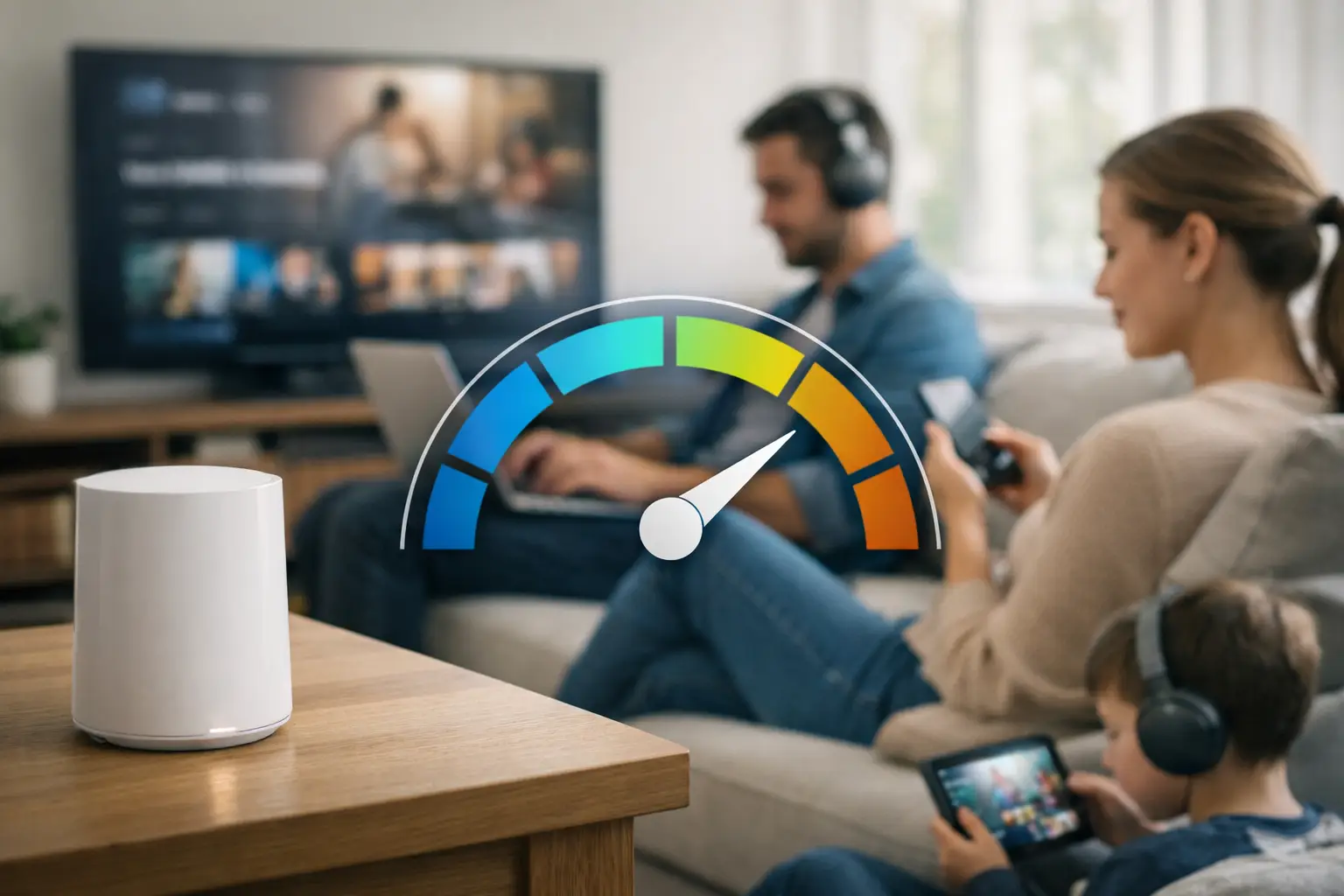
A household with two or three people who stream, work from home, use video calls, game, and have multiple connected devices will usually be better served by 300 to 500 Mbps than by an entry-level internet plan. Homes with multiple 4K TVs, gaming systems, security cameras, video doorbells, and several people online at the same time may be more comfortable with 500 Mbps to 1 Gbps.
The right answer to “how much internet speed do I need” depends on more than the number of people in your home. You also need to consider what everyone is doing at the same time, how many devices are connected, how much upload capacity you have, and whether your Wi-Fi network can keep up.
For most modern households, 300 Mbps is a practical starting point. The goal is not to buy the fastest plan available. It is to have enough capacity that streaming, working, gaming, cameras, and smart-home devices can all operate normally during the busiest parts of the day.
How Much Internet Speed Do I Need for My Household?
Internet plans are usually measured in Mbps, or megabits per second. That number tells you how much data your connection can transfer each second.
More Mbps gives your household more capacity for multiple devices and activities to operate at the same time. Faster speeds can also reduce the time it takes to download games, install software updates, transfer large files, and sync data with the cloud.
For most homes, these ranges are a practical starting point:
| Household use | Suggested download speed |
|---|---|
| One person with light internet use and relatively few connected devices | 100-300 Mbps |
| Typical household with streaming, browsing, video calls, and several connected devices | 300-500 Mbps |
| Family with multiple TVs, gaming, remote work, cameras, and smart-home devices | 500 Mbps-1 Gbps |
| Heavy-use household with several simultaneous users, 4K streaming, gaming, and cloud-connected cameras | 1 Gbps |
| Very large household, content creators, advanced users, or frequent large-file transfers | 1-2+ Gbps |
These are buying guidelines, not technical minimums.
A single streaming service, video call, or online game may require only a small fraction of these speeds. The problem is that homes rarely use the internet for only one thing at a time.
A household of five that mostly browses the web and watches one television may use less bandwidth than a household of two where both people work from home, attend video meetings, stream in 4K, use cloud backups, and have several security cameras uploading video.
Start With What Happens at the Same Time
The most useful way to choose an internet plan is to think about your household during its busiest hour.
One television might be streaming a 4K movie while another TV is playing YouTube through a Roku or Apple TV. Someone may be gaming upstairs while a laptop downloads an update. Phones may be uploading photos to the cloud while a video doorbell and several security cameras remain connected outside.
Each activity by itself may use relatively little bandwidth. Together, they create the real demand on your internet connection.
Streaming is one of the most common examples. An HD stream may use roughly 5 to 10 Mbps, while a 4K stream may use around 15 to 25 Mbps or more, depending on the service and video quality.
If three televisions are streaming 4K content at the same time, that could account for 45 to 75 Mbps before anyone else in the home starts downloading a game, joins a video call, or uploads files.
That does not mean a 100 Mbps connection immediately stops working. It does mean there is much less room for everything else happening in the home.
This is why 300 to 500 Mbps is a more comfortable range for many modern households.
Do Not Choose a Plan Based on Minimum Requirements
Individual applications often require much less bandwidth than consumers expect.
A streaming service might need only around 15 to 25 Mbps for a 4K video. An online game may use only a few Mbps while you are actually playing.
Those numbers describe what the individual application needs to function. They do not necessarily describe the internet plan you should purchase for your entire home.
If one television needs 25 Mbps, that does not mean a 25 Mbps internet plan is a good choice for a household with multiple televisions, phones, computers, cameras, and other connected devices.
Your internet connection needs to support the whole house, not just one device.
Smart Homes Need to Be Part of the Equation
Today’s homes can have far more connected devices than many people realize.
A modern household might have:
- Smartphones
- Tablets
- Laptops
- Desktop computers
- Smart TVs
- Roku devices
- Apple TV devices
- Fire TV devices
- Gaming consoles
- Smart speakers
- Smart displays
- Smart thermostats
- Smart lights
- Smart plugs
- Smart appliances
- Robot vacuums
- Garage-door controllers
- Home security systems
- Video doorbells
- Indoor security cameras
- Outdoor security cameras
- Smart watches and other wearables
It is easy for a family to have 20, 30, 40, or more devices connected to its home network.
Not all of those devices use large amounts of bandwidth.
A smart light bulb, thermostat, or smart plug typically uses very little data. Many devices also spend most of their time sitting idle.
However, your router still has to manage those devices, and many perform background tasks without you thinking about them.
Phones upload photos. Computers synchronize files. Streaming devices download updates. Game consoles install patches. Smart speakers communicate with cloud services.
Doorbell Cameras and Security Cameras Are Different
Video doorbells and security cameras deserve special attention because they can use your internet connection differently than many other smart-home devices.
A smart thermostat may only send small amounts of information.
A video doorbell or security camera may send video from your home to a cloud service. That means it uses upload bandwidth.
Consider a home with:
- One video doorbell
- Two front-yard cameras
- Two backyard cameras
- One indoor camera
- One garage camera
That home may have seven cameras or video devices using the internet in addition to everything the people inside the house are doing.
The amount of bandwidth each camera uses depends on the brand, video resolution, recording settings, motion activity, and whether footage is recorded continuously or only when an event occurs.
Homes with several cloud-connected cameras should pay close attention to upload speed, not just download speed.
Do Not Ignore Upload Speed
Most internet advertising focuses heavily on download speed.
You may see plans advertised as:
- 300 Mbps
- 500 Mbps
- 1 Gig
- 2 Gig
- 5 Gig
But upload speed is increasingly important in modern homes.
Upload speed is used whenever information travels from your home to the internet.
That includes:
- Video doorbells
- Security cameras
- Zoom calls
- Microsoft Teams meetings
- FaceTime
- Cloud photo backups
- iCloud
- Google Drive
- OneDrive
- Sending large work files
- Uploading videos
- Livestreaming
- Content creation
- Remote work
A household can have plenty of download capacity and still experience problems if its upload capacity becomes crowded.
For example, two people might be on video meetings while several security cameras upload footage and a computer begins backing up large files to the cloud.
The advertised download speed may look impressive, but limited upload capacity can still become a bottleneck.
Why Fiber Can Make a Difference
One of the biggest advantages of fiber internet is that many fiber providers offer symmetrical speeds.
Symmetrical internet provides similar download and upload speeds.
A 500 Mbps fiber plan might provide:
- 500 Mbps download
- 500 Mbps upload
Another internet service might provide:
- 500 Mbps download
- 20 Mbps upload
Both plans may be marketed around the same 500 Mbps download number, but the overall experience can be very different.
For homes with multiple cameras, remote workers, video calls, cloud backups, and content creators, higher upload capacity can be much more valuable.
Recommended Speed by Common Activity
Individual activities usually consume much less bandwidth than the internet plan you may want for your entire household.
| Activity | Typical speed needed per active use |
|---|---|
| Web browsing and email | 1-5 Mbps |
| Music streaming | Less than 1 Mbps |
| HD video streaming | 5-10 Mbps |
| 4K video streaming | 15-25+ Mbps |
| Video calling | Several Mbps download and upload |
| Online gaming | Usually modest bandwidth, with low latency preferred |
| Smart lights, thermostats, and plugs | Usually very little bandwidth |
| Video doorbells and security cameras | Varies, with upload speed especially important |
These numbers are useful for understanding how bandwidth is consumed.
They should not be treated as household plan recommendations.
Gaming Does Not Require Gigabit Speed, but Downloads Benefit From It
Online gaming itself generally does not require hundreds of Mbps.
Latency, sometimes called ping, is usually more important because it affects how quickly your device communicates with the game server.
Game downloads are different.
Modern games can exceed 100 GB, and large updates are common. Faster internet can significantly reduce the time required to download them.
This is one reason gamers may appreciate 500 Mbps or gigabit internet even though playing the game itself does not require that much bandwidth.
Why Your Wi-Fi May Feel Slow Even With a Fast Internet Plan
A fast internet plan does not guarantee fast Wi-Fi in every room.
Your provider delivers internet service to your home. Your router or Wi-Fi system distributes that connection to your devices.
A speed test showing 900 Mbps next to your router does not mean you will receive 900 Mbps in an upstairs bedroom, garage, basement, or backyard.
Weak Wi-Fi is common in:
- Large homes
- Multi-story homes
- Older homes with thick walls
- Apartments with heavy wireless interference
- Homes where the router is located at one end of the building
- Homes with older networking equipment
If you receive excellent speeds near the router but poor speeds elsewhere in the house, upgrading from 500 Mbps to 1 Gbps may not solve the problem.
You may need to improve the Wi-Fi network instead.
Your Router Matters More as You Add Devices
The more connected your home becomes, the more important your networking equipment becomes.
Older routers may struggle to efficiently manage large numbers of devices. They may also use older Wi-Fi standards that cannot take full advantage of newer phones, laptops, televisions, and faster internet plans.
A newer router or mesh Wi-Fi system may improve performance throughout the house even if you keep the same internet plan.
Mesh Wi-Fi can be especially useful in larger or multi-story homes because multiple access points work together to provide broader coverage.
Is 100 Mbps Enough?
For some households, yes.
A 100 Mbps connection can work well for a single person or a light-use household with relatively few devices.
However, 100 Mbps leaves less room for busy households.
If several people regularly stream, game, work from home, download large files, or use cloud-connected cameras, moving to a faster tier can provide a more comfortable experience.
Is 300 Mbps Enough?
For many households, yes.
A 300 Mbps connection can support multiple streams, everyday browsing, video calls, gaming, smart-home devices, and other normal internet activity.
For many modern homes, 300 Mbps is a practical starting point.
Households with several people regularly using the internet at the same time may benefit from 500 Mbps.
Is 500 Mbps Enough?
For most families, 500 Mbps is a very capable internet connection.
It provides enough capacity for households with multiple streamers, gamers, remote workers, video calls, security cameras, video doorbells, smart-home devices, computers, phones, tablets, and cloud backups.
For many consumers, 500 Mbps offers a strong combination of speed, capacity, and value.
Do I Need Gigabit Internet?
Gigabit internet can make sense for busy households.
You may benefit from 1 Gbps service if your household regularly has:
- Several people online at once
- Multiple 4K televisions
- Gamers
- Remote workers
- Large game downloads
- Several security cameras
- A video doorbell
- Cloud backups
- Content creation
- Large file transfers
- Dozens of connected devices
A good 500 Mbps connection can still comfortably support many families.
When choosing between 500 Mbps and 1 Gbps, consider the monthly price difference along with your actual usage.
What About 2 Gig, 5 Gig, or Faster Internet?
Multi-gigabit internet is becoming more widely available, particularly from fiber providers.
Most households do not need several gigabits of internet speed.
These plans may make sense for very large households, content creators, advanced home-network users, people working with large video files, home servers, or consumers who frequently transfer very large files.
Your home network also needs to support those speeds.
A 5 Gbps internet plan does not automatically give every Wi-Fi device a 5 Gbps connection.
Choose Speed Based on Your Connection Type
The technology available at your address affects more than the maximum advertised speed.
Fiber Internet
Fiber is generally one of the strongest options where available because it often provides fast download speeds, fast upload speeds, low latency, and symmetrical service.
Fiber can be especially useful for homes with security cameras, video doorbells, remote workers, gamers, and frequent cloud usage.
Cable Internet
Cable internet can deliver excellent download speeds and is widely available.
However, upload speeds may be considerably lower than download speeds.
If you have multiple cameras, work from home, upload large files, or frequently use video conferencing, check the plan’s upload speed instead of comparing providers based only on advertised download speed.
Fixed Wireless
Fixed wireless can provide a good alternative in areas without strong wired broadband options.
Performance may vary based on signal strength, network congestion, provider capacity, equipment, and location.
Satellite Internet
Satellite internet can bring broadband to rural and remote locations where wired service may not be available.
Consumers should consider download speed, upload speed, latency, data policies, reliability, and congestion when comparing satellite service with other options.
A Simple Way to Pick the Right Internet Plan
Start by thinking about your household during its busiest period.
Ask yourself:
- How many people are usually online at the same time?
- How many televisions regularly stream video?
- Do you watch content in 4K?
- Does anyone work from home?
- Does anyone regularly use video conferencing?
- Are there gamers in the house?
- Do you have a video doorbell?
- How many security cameras are connected?
- Do your computers and phones regularly back up files to the cloud?
- How many total devices are connected to your Wi-Fi?
- Do you frequently download large games or software?
- What upload speed does the provider offer?
- How much more does the next speed tier cost?
For most modern households, 300 Mbps is a practical starting point.
Moving to 500 Mbps makes sense for families with several simultaneous users, multiple streaming devices, gaming, remote work, smart-home equipment, and cameras.
Gigabit internet can be worthwhile for busy households, especially when the price difference between 500 Mbps and 1 Gbps is relatively small.
The Bottom Line
Internet speed should be chosen based on how your entire household uses the internet, not the minimum bandwidth required by a single device.
For a light-use household, 100 to 300 Mbps may be enough.
For most modern households, 300 to 500 Mbps is a strong place to start.
Families with multiple streamers, gamers, remote workers, smart-home devices, video doorbells, security cameras, and dozens of connected devices may be better served by 500 Mbps to 1 Gbps.
Heavy users may benefit from gigabit or multi-gigabit service.
Download speed is also only part of the equation. Upload speed, latency, router quality, Wi-Fi coverage, connection type, and the number of connected devices all affect how your internet performs.
The best internet plan is the one that gives your household enough capacity to use the internet normally during its busiest moments.