
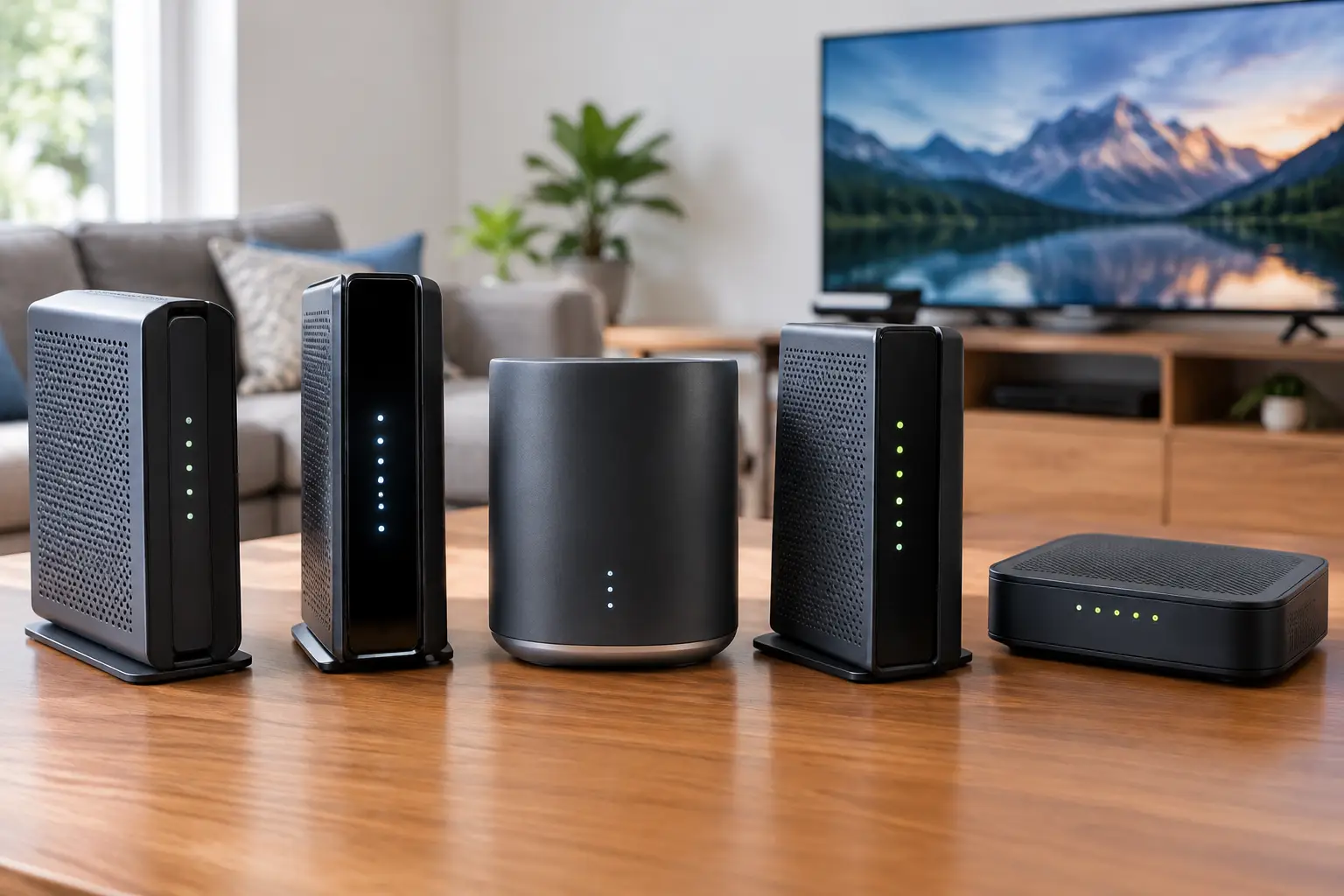
A cable modem is not the most exciting piece of home technology, but the right one can prevent a frustrating problem: paying for a fast internet plan that your equipment cannot fully use. The best modems for cable internet are DOCSIS 3.1 models with current provider approval, the right Ethernet port for your speed plan, and no unnecessary features that raise the price.
For most households, buying a modem makes sense when your cable company charges a monthly equipment fee and you expect to keep service for more than a year or two. It gives you control over your setup, but it also means you are responsible for confirming compatibility and replacing the unit if network requirements change.
The best cable modems at a glance
| Modem | Best for | Ethernet port | What to know | | — | — | — | — | | ARRIS SURFboard S33 | Most gig-level cable plans | 2.5 Gbps and 1 Gbps | A simple, widely used DOCSIS 3.1 choice | | Hitron CODA56 | Faster upload tiers and multi-gig plans | 2.5 Gbps | Worth checking for newer cable network compatibility | | NETGEAR Nighthawk CM3000 | High-end and multi-gig households | 2.5 Gbps | A premium option with strong current-network support | | NETGEAR Nighthawk CM2000 | Standard gig plans | 2.5 Gbps | A good fit when you want room above 1 Gig service | | ARRIS SURFboard SB8200 | Value-minded gig users | Two 1 Gbps ports | Best when your plan tops out around 1 Gig |
Compatibility can vary by address, plan, and cable provider. Before buying any modem, use your provider’s approved-device list for your exact service address. A modem that works well on one cable network may not be accepted on another, even when the hardware itself is capable.
What makes a cable modem worth buying?
The first thing to look for is DOCSIS 3.1. DOCSIS is the standard cable companies use to deliver internet service over the coaxial cable already in many homes. DOCSIS 3.1 is the right starting point for current plans, including 300 Mbps, 500 Mbps, 1 Gig, and many multi-gig options.
Avoid buying a DOCSIS 3.0 modem simply because it is cheap. It may still function on some networks, but it is older technology with less headroom for modern cable service and a shorter useful life. A bargain is not much of a bargain if it needs to be replaced when you upgrade service or your provider changes its network requirements.
The Ethernet port matters just as much as the DOCSIS version. A modem with only a 1 Gbps Ethernet port cannot deliver more than roughly 940 Mbps to one connected router or computer, even if you pay for a faster plan. For 1 Gig service, that can be perfectly reasonable. For plans above 1 Gig, look for a 2.5 Gbps Ethernet port.
Also remember that the modem is only one link in the chain. To see speeds above 1 Gig on a wired device, your router, switch, Ethernet adapter, and computer must also support 2.5 Gbps Ethernet. Wi-Fi speeds depend even more on the router, the device being used, distance, walls, and wireless interference.
1. ARRIS SURFboard S33: Best for most cable households
The ARRIS SURFboard S33 is a strong all-around choice for homes with service from 300 Mbps through many gig-level plans. It has DOCSIS 3.1 support, a 2.5 Gbps Ethernet port, and a separate 1 Gbps port. Its straightforward design is a benefit for people who already own a router or mesh Wi-Fi system and do not need another device trying to manage their wireless network.
The S33 is especially sensible for a household with a 500 Mbps or 1 Gig plan that may upgrade later. It is also compact and does not add features you are unlikely to use.
The trade-off is that it may not be approved for every newer high-upload cable tier. Cable companies are upgrading parts of their networks to improve upload speeds, and those tiers sometimes require a narrower group of approved modems. Check before buying, particularly if fast uploads are a priority for video calls, cloud backups, or sending large work files.
2. Hitron CODA56: Best for newer cable network upgrades
The Hitron CODA56 is worth a close look for customers on cable systems rolling out newer speed tiers. It is a DOCSIS 3.1 modem with a 2.5 Gbps Ethernet port and is commonly considered for plans where a provider’s current approved-device list matters more than familiar brand recognition.
This is a good choice for households pursuing multi-gig downloads or improved upload performance where available. Cable service has traditionally offered much faster downloads than uploads, but newer network upgrades can change that balance. Not every modem benefits from those improvements.
The practical drawback is that compatibility is more dependent on the local provider’s network and provisioning rules. Do not assume that a modem advertised as multi-gig will automatically qualify for a provider’s fastest plan. Confirm both the download and upload tier it supports at your address.
3. NETGEAR Nighthawk CM3000: Best premium multi-gig option
The NETGEAR Nighthawk CM3000 is built for shoppers who want a modem with more room for current and upcoming cable plans. It offers DOCSIS 3.1 and a 2.5 Gbps Ethernet connection, making it a practical match for multi-gig service when it is approved by the provider.
It makes the most sense for a heavy-use household: several people streaming in 4K, frequent large downloads, serious online gaming, home office use, cloud backups, and many connected devices. A 1 Gig plan is often plenty for those activities, but multi-gig service can help when many high-bandwidth tasks happen at the same time.
The CM3000 costs more than a basic gig-capable modem. If your plan is 300 Mbps or 500 Mbps and you do not expect to move beyond 1 Gig, that extra cost may not produce a noticeable benefit. Put that money toward better Wi-Fi coverage instead.
4. NETGEAR Nighthawk CM2000: Best for 1 Gig plans with headroom
The NETGEAR Nighthawk CM2000 is a sensible middle ground for customers who have 1 Gig cable internet or expect to move there soon. Its 2.5 Gbps Ethernet port gives it more capacity than a modem limited to 1 Gbps, while its DOCSIS 3.1 design keeps it relevant for modern cable networks.
For an active family, 300 Mbps to 500 Mbps is usually a practical range, while 1 Gig is a comfortable option for heavier simultaneous use. The CM2000 works well in either situation if it is approved for the plan. It is also a better long-term purchase than older 1 Gbps-only models for people who may upgrade their router and home network later.
Its limitation is not performance so much as value. If the CM3000 is similarly priced and both are approved for your plan, the newer model may be the better buy. On the other hand, a discounted CM2000 can be an excellent fit for a standard gig connection.
5. ARRIS SURFboard SB8200: Best value for plans up to 1 Gig
The ARRIS SURFboard SB8200 remains a practical option for cable customers with service up to about 1 Gig who do not need a 2.5 Gbps connection. It is a DOCSIS 3.1 modem with two 1 Gbps Ethernet ports. In most homes, only one port is used with the router.
This is not the model to buy for a plan above 1 Gig, since its individual Ethernet ports limit the speed available to a single connected router. Still, it can be a cost-effective choice for 300 Mbps, 500 Mbps, and many 1 Gig plans when sold at the right price and listed as compatible.
It is a better value purchase than a future-proof purchase. If you want to keep a modem for many years or have access to multi-gig service, spending more for a model with a 2.5 Gbps port is usually the safer move.
How to choose among the best modems for cable internet
Start with your actual internet plan, not the biggest speed advertised in your area. A household using streaming TV, video calls, online gaming, smart-home devices, and several phones or laptops should generally consider at least 100 Mbps. Many active families will be happier at 300 Mbps to 500 Mbps. Plans at 1 Gig or higher are most useful for heavy-use households, large downloads, multiple power users, or people who simply want more capacity during busy hours.
Then check whether you need only a modem or a modem-router combination. A standalone modem connects your home to the cable network. It does not create Wi-Fi by itself. Most people should pair it with a separate Wi-Fi router or mesh system, which makes future upgrades easier. If Wi-Fi coverage is poor in a larger home, replacing the router or adding mesh access points will usually help more than buying a more expensive modem.
Be cautious with modem-router gateways. They can be convenient in a small apartment or a simple setup, but they tie two important jobs into one device. If the Wi-Fi becomes outdated, you may need to replace a perfectly functional modem as well.
Finally, check the provider’s approved list immediately before purchase, not just product reviews or old forum posts. Verify the exact model number, your speed tier, and whether the modem is approved for customer-owned equipment. Keep the receipt until the modem is activated and working properly.
A good modem should quietly disappear into your setup. Once it is activated, paired with capable Wi-Fi equipment, and matched to the service you actually use, it should let the rest of your connected home work without becoming another thing to troubleshoot.