
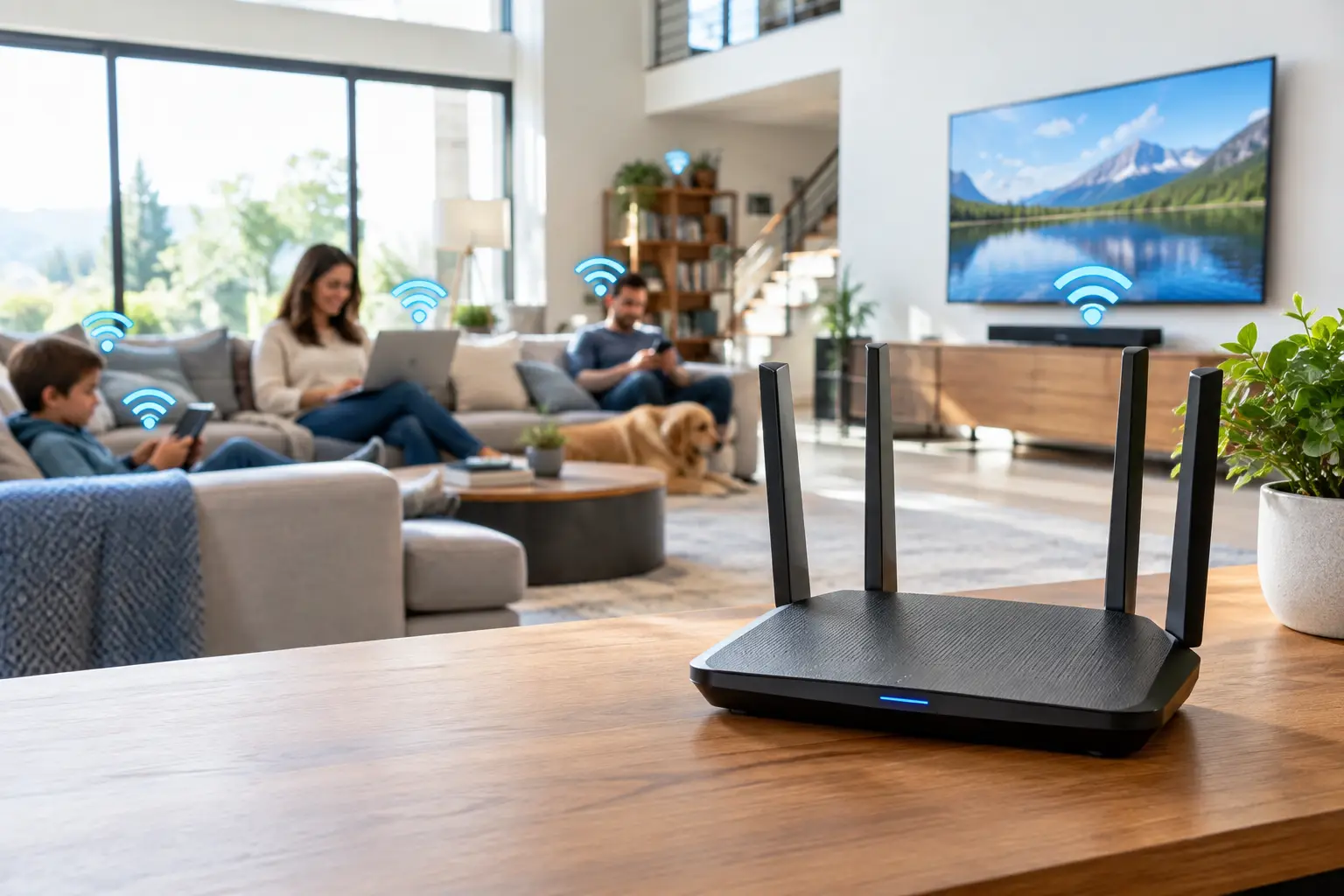
A router that works well in a two-bedroom apartment can struggle badly in a 3,000-square-foot house. If you are shopping for the best routers for large homes, the answer is usually not one powerful box placed near the modem. For most larger homes, a mesh Wi-Fi system with two or three units is the more reliable choice.
The goal is not simply to see a Wi-Fi signal in every room. You want a connection that can handle a 4K stream upstairs, a video call in the office, online gaming in the basement, and a growing collection of smart-home devices without making someone stand next to the router to get a usable connection.
What makes a router right for a large home?
Square footage matters, but floor plan and construction matter just as much. A long ranch home, a three-story house, and a newer open-concept home of the same size may need very different setups. Brick, concrete, plaster walls, metal ductwork, radiant-floor heating, and even a large fireplace can weaken Wi-Fi more than people expect.
A mesh system uses a main router plus one or more satellite units, often called nodes. The units work together under one network name, so your phone or laptop can move around the house without requiring you to manually switch networks. That is the main reason mesh systems are usually a better fit than a traditional standalone router for homes above roughly 2,500 square feet or houses with known dead zones.
Pay attention to these practical features when comparing systems:
| What to look for | Why it matters in a large home | |—|—| | Two or three mesh units | Lets you place Wi-Fi closer to rooms that need it instead of trying to push a signal through several walls. | | Tri-band Wi-Fi | Provides an additional wireless band that can help units communicate with each other, reducing congestion. | | Ethernet ports | Useful for wired backhaul, streaming boxes, game consoles, desktop PCs, and switches. | | Wi-Fi 6E or Wi-Fi 7 | Adds newer wireless capacity and can make sense for households replacing equipment they expect to keep for years. | | Simple app controls | Makes it easier to check device connections, create a guest network, and apply parental controls. |
Coverage claims on the box are a starting point, not a guarantee. Manufacturers calculate them under favorable conditions. A system advertised for 6,000 square feet may cover that much in an open layout, while a home with dense walls may need an extra node well before that point.
Best routers for large homes by household type
Best overall: TP-Link Deco BE85
The TP-Link Deco BE85 is a strong all-around Wi-Fi 7 mesh choice for a large home with a fast internet plan and a mix of new and older devices. Its high-speed wired ports are particularly useful if you have gigabit or multi-gig internet, a network-attached storage device, or want to connect the mesh units by Ethernet.
It is not the least expensive option, and its strongest benefits will not be obvious on an older 300 Mbps plan with mostly Wi-Fi 5 devices. Still, it has the capacity to serve a busy family well as more phones, laptops, TVs, and smart-home gear are added. A two-pack is often enough for a moderately large, open home; three units make more sense for multiple floors or challenging construction.
Best premium option: Netgear Orbi 970 Series
The Orbi 970 Series is designed for households that want broad coverage, very high wireless capacity, and minimal compromise. It is a good fit for a large house with a gigabit or faster plan, frequent 4K streaming, serious gaming, and many connected devices. Its dedicated wireless connection between router and satellites can be helpful when running Ethernet to each unit is not realistic.
The trade-off is price. This is more system than many homes need, especially if the internet plan tops out at 500 Mbps or the house is under 3,000 square feet. It also makes more sense for someone willing to pay for performance and easier expansion than for a buyer looking for the most economical way to fix one dead bedroom.
Best for simple whole-home Wi-Fi: eero Max 7
The eero Max 7 is a sensible pick for people who want a modern Wi-Fi 7 mesh system without spending much time adjusting settings. Setup is straightforward, the app is easy to understand, and the system handles the behind-the-scenes work of steering devices to an appropriate connection.
That simplicity is a benefit for many households, but it also means fewer manual controls than some enthusiasts expect. The eero Max 7 is best for a large home where dependable coverage and easy management matter more than fine-tuning every network setting. It is especially appealing if several people in the household need Wi-Fi to simply work without becoming the family IT project.
Best for hands-on users: ASUS ZenWiFi BT10
The ASUS ZenWiFi BT10 is worth considering if you want Wi-Fi 7 mesh coverage along with more control over your network. ASUS systems tend to offer deeper settings for device management, gaming features, port controls, and network troubleshooting than the simplest mesh platforms.
That flexibility can be valuable in a home office or for a household with a gamer, media server, or more advanced smart-home setup. It can also feel like unnecessary complexity if all you want is dependable coverage for phones, TVs, and laptops. Think of it as a good middle ground between easy mesh networking and a more traditional power-user router setup.
Best value for 100 to 500 Mbps plans: TP-Link Deco XE75 Pro
Not every large home needs a top-tier Wi-Fi 7 system. The Deco XE75 Pro is a Wi-Fi 6E mesh option that can be a practical value for homes with internet service in the 100 to 500 Mbps range. It supports the newer 6 GHz band, which can reduce crowding from older devices on the usual 2.4 GHz and 5 GHz bands.
For a family with several streams, video calls, schoolwork, and smart devices, it offers a meaningful improvement over an aging single router. It will not be the best choice for someone paying for multi-gig internet and expecting full multi-gig speeds over Wi-Fi. But it is often a better use of money than buying an expensive standalone router and hoping it reaches the far end of the house.
Choose the right number of mesh units
For many homes between 2,500 and 3,500 square feet, start with two units. Put the primary router near the modem in a central, open location if possible, then place the satellite halfway toward the weak area rather than inside the weak area itself. The satellite needs a good connection back to the main unit before it can provide a good connection to nearby devices.
A three-unit system is often appropriate for homes over 3,500 square feet, three-story layouts, detached garages, finished basements, or homes with especially dense interior walls. More units are not automatically better. Satellites placed too close together can create unnecessary overlap and add complexity.
If your home has Ethernet wiring, use it. Connecting mesh units with Ethernet is called wired backhaul, and it is one of the best ways to improve performance in a large home. It frees the wireless connection to serve your phones, TVs, and laptops instead of using it to pass traffic between mesh units.
Match the router to your internet plan
A better router cannot make a slow internet plan faster, but weak Wi-Fi can prevent you from getting the service you already pay for. For a typical household, 100 Mbps is a practical starting point. Active families with several simultaneous users are generally better served by 300 to 500 Mbps, while heavy-use homes with frequent large downloads, gamers, remote workers, and many streams may benefit from 1 Gig or more.
Do not buy a multi-gig Wi-Fi 7 system solely because it advertises extremely high speeds if your plan is 300 Mbps and you have no reason to upgrade soon. On the other hand, a home with 1 Gig or faster service should look for at least one multi-gig Ethernet port, particularly if you want a wired computer or switch to receive more than 1 Gbps.
Placement matters as much as the model
Keep the main router and satellites out in the open, elevated on a shelf or table, and away from enclosed cabinets. Avoid placing them beside a TV, behind furniture, near a microwave, or in a basement utility corner if you can help it. A centrally located router is usually more useful than one tucked away where the internet line enters the home.
After setup, test Wi-Fi where people actually use it: bedrooms, patios, home offices, and the room with the most buffering complaints. If one spot remains slow, moving a satellite a few feet can sometimes help more than changing settings. Start with a system sized for your home, place it thoughtfully, and let the places where your family uses the internet guide the final setup.