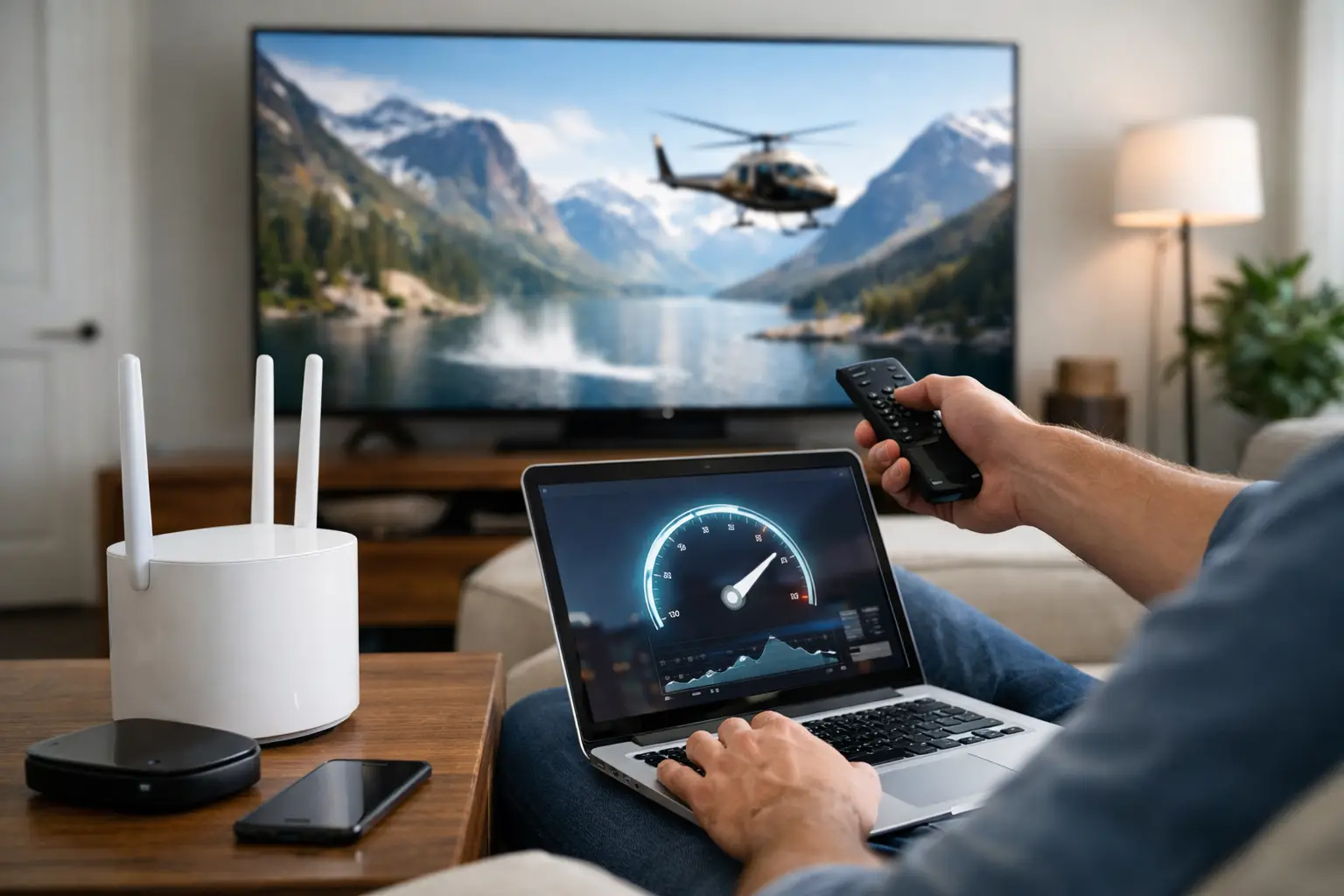
A movie can look sharp in 4K one minute and stop to buffer the next, even when your internet plan seems fast enough. The best internet speed for 4k streaming is not just about what one TV needs. It is about what the entire household is doing at the same time, plus whether your Wi-Fi can reliably deliver that speed to the screen.
For most homes, 100 Mbps is the practical starting point for internet service. A household with several people, multiple TVs, video calls, gaming, and connected devices will usually be better served by 300 to 500 Mbps. Homes with frequent heavy use, many users, or large downloads may benefit from 1 Gig internet or more.
How Much Speed Does One 4K Stream Use?
Most major streaming services generally need about 15 to 25 Mbps of available download speed for a single 4K stream. That number can vary by service, the type of content, and the picture settings on your TV or streaming device. Live sports and high-motion scenes can demand more data than a quiet drama, for example.
That does not mean a 25 Mbps internet plan is a sensible choice for a 4K household. The streaming app is not the only thing using your connection. Phones may be backing up photos, a laptop may be in a video meeting, a game console may be downloading an update, and smart devices are constantly checking in online.
Think of the 15 to 25 Mbps figure as the amount a single 4K stream needs under good conditions, not as a recommendation for the whole home.
Best Internet Speed for 4K Streaming by Household
The right plan depends on how many people and devices are active at once. This table reflects modern household use rather than the bare minimum needed to start one stream.
| Household activity | Recommended download speed | What it supports |
|---|---|---|
| One or two people with typical streaming and browsing | 100 Mbps | One or two 4K streams, everyday browsing, video calls, and smart-home devices |
| Family or shared home with several active devices | 300-500 Mbps | Multiple 4K streams, work or school video calls, gaming, cloud backups, and connected devices |
| Heavy-use household or home-based business | 1 Gig or higher | Many simultaneous streams and users, large downloads, frequent cloud transfers, and demanding Wi-Fi use |
A 100 Mbps plan can work well for a smaller household when the connection is reliable and the Wi-Fi setup is sound. It gives the home breathing room beyond a single television. For a family where someone is streaming in 4K while others game, work remotely, and use tablets or phones, 300 to 500 Mbps is usually the more comfortable range.
Gig-speed service is not required just because you own a 4K TV. It becomes worthwhile when there are lots of simultaneous users, large game or software downloads, regular cloud backups, or a home office that cannot afford slowdowns. It can also make a busy household feel less constrained during peak evening hours.
Why Your Plan Speed Is Only Part of the Story
Internet plans are usually sold based on the maximum speed coming into your home. Your streaming device still has to receive that speed through your modem, router, and Wi-Fi network. A fast plan will not fully solve a weak wireless signal in a far bedroom or basement.
If a 4K stream buffers only on one TV, the issue is often Wi-Fi rather than the internet plan. Walls, floors, distance, and interference from nearby networks can weaken the signal. Older routers may also struggle when a house has dozens of connected devices.
Streaming sticks and smart TVs are especially prone to this problem because they may sit behind a TV, inside a cabinet, or at the edge of the router’s range. If possible, use a wired Ethernet connection for a stationary TV or streaming box. A wired connection is usually the most consistent option for 4K streaming.
When Ethernet is not practical, place the router in a central, open location and use the 5 GHz or 6 GHz Wi-Fi band when your devices support it. These bands generally offer faster performance at shorter distances than 2.4 GHz Wi-Fi. In a larger home, a mesh Wi-Fi system can improve coverage by placing additional access points where the signal is weak.
Download Speed Matters Most, but Upload Still Counts
4K streaming primarily uses download speed because the video is coming from the streaming service to your home. Upload speed matters less for watching TV, but it can affect the rest of the household.
For example, a person uploading large files, participating in a high-quality video call, or backing up a phone to the cloud may use much of a limited upload connection. On some cable plans, upload speeds are much lower than download speeds. That can create slowdowns or choppy video calls even when the advertised download speed looks generous.
Fiber service often provides stronger upload speeds, sometimes equal to download speeds. That is helpful for households with remote workers, content creators, online classes, security cameras, or frequent cloud backups. Still, cable, fixed wireless, and other connection types can also work well for streaming when the available plan and local network performance meet the household’s needs.
How Many 4K Streams Can Your Internet Handle?
A simple calculation can provide a rough answer. If each 4K stream uses up to 25 Mbps, four simultaneous streams could use around 100 Mbps on their own. But a household should not plan around using every available Mbps at once.
Leaving extra capacity helps prevent a stream from dropping to lower quality when someone starts a video call or a device begins a download. This is why a 300 Mbps plan is often a better fit than a 100 Mbps plan for a family with several regular streamers. It is not that every activity constantly needs hundreds of Mbps. It is that household usage comes in bursts, often at the same time.
Also remember that streaming services automatically adjust video quality. A show may continue playing without buffering but quietly shift from 4K to HD if the connection becomes unstable. If picture quality appears softer than expected, check the app’s playback settings and the TV’s display settings before assuming the service is delivering 4K.
Signs You Need More Speed or Better Wi-Fi
Before upgrading, run a speed test from a device connected near the router. Then compare that result with a test from the room where the TV is located. A large drop in speed points toward a Wi-Fi coverage issue.
You may need a faster plan if slowdowns happen across the home during busy periods, several devices buffer at once, or a wired speed test regularly falls far below the level needed for your household. On the other hand, if only one distant TV has trouble, upgrading from 300 Mbps to 1 Gig may not change much. Improving Wi-Fi coverage is likely the better fix.
Restarting the modem and router can resolve temporary problems, especially after an outage or a long period without a reboot. Check that the router supports current Wi-Fi standards and that its firmware is up to date. If you rent equipment, make sure it is not an older model that limits the performance of your plan.
Choose for Your Busiest Evening
The most useful way to choose internet speed is to picture a typical busy evening, not a quiet morning. Count the TVs that may be streaming, the people working or gaming, and the devices that regularly download or back up files. Then choose a plan with enough room for those activities to overlap.
For many households, 300 to 500 Mbps hits the practical sweet spot: enough capacity for multiple 4K streams and everyday connected life without paying for more speed than the home can use. Start there if your household is active, and make sure your Wi-Fi is capable of delivering the connection you are already paying for.