
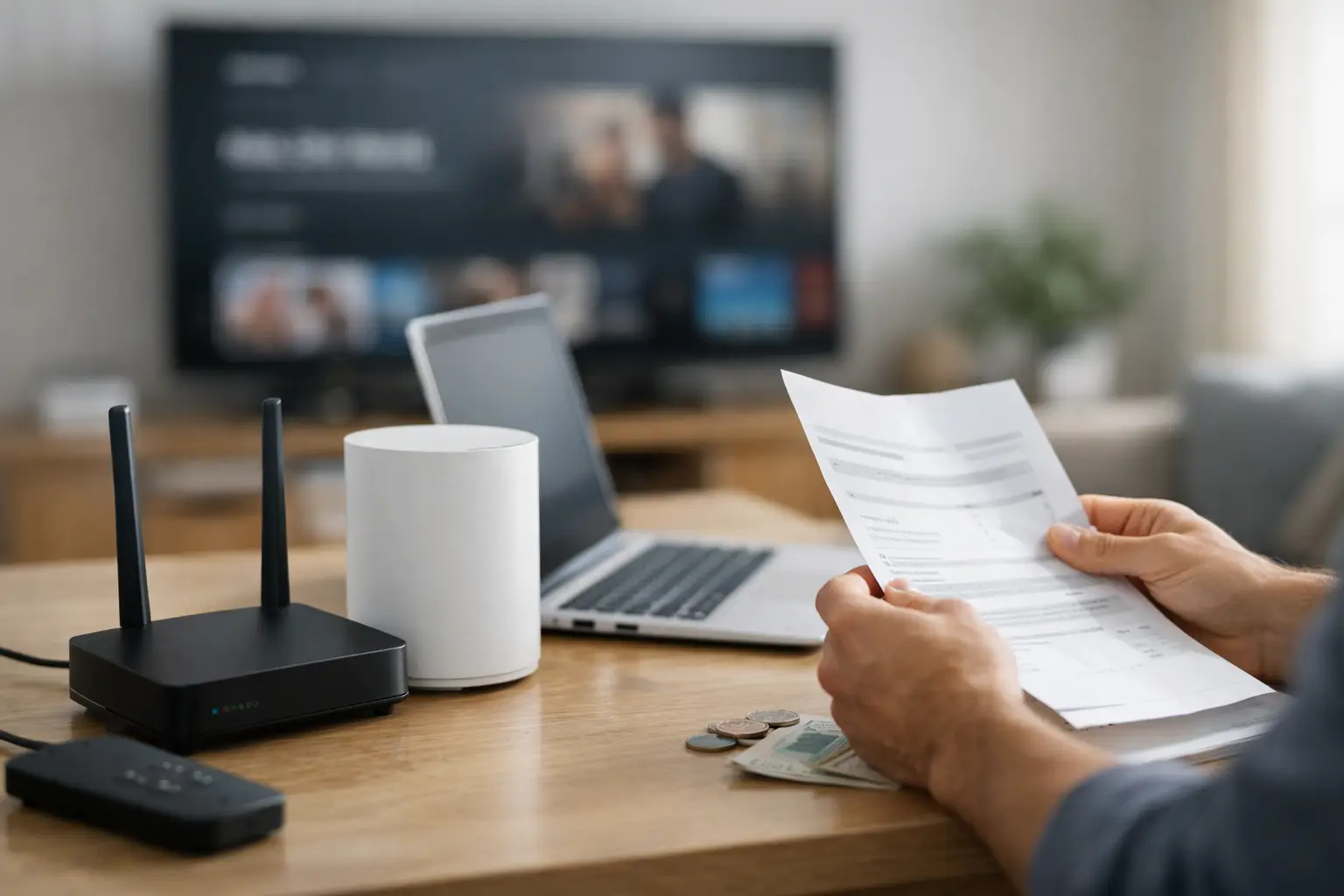
That extra charge on your internet bill is often not for the connection itself. What is an internet equipment fee? It is usually a monthly charge for renting the modem, router, or combined modem-router gateway supplied by your internet company. Depending on the service and equipment, it may also cover replacement hardware, technical support for the device, and software updates.
For many households, the fee is easy to overlook because it appears as a separate line item after the advertised plan price. It can be worth understanding, though. A monthly equipment charge adds up over time, and in some cases you can reduce or eliminate it by using compatible equipment you own.
What an internet equipment fee usually covers
Internet service requires equipment that connects your home to the provider’s network. With cable internet, that is typically a cable modem or a gateway. Fiber service often uses an optical network terminal, sometimes called an ONT, which is commonly provided and maintained by the provider. Fixed wireless and satellite services also require specialized outdoor or indoor equipment that generally must come from the company.
The equipment fee most often applies to a rented Wi-Fi gateway. A gateway combines two jobs in one box: it acts as the modem that receives the internet signal and the router that creates Wi-Fi throughout your home. Some companies instead provide a modem and a separate router or mesh Wi-Fi system.
The fee may include more than the physical box. Providers often manage firmware updates, replace a failed rental unit, and offer support that assumes their equipment is installed. Those services have value, particularly for someone who does not want to troubleshoot network settings or shop for compatible hardware. But the value depends on the monthly price, your service type, and how much control you want over your home Wi-Fi.
Why the charge is separate from your internet plan
Your internet plan pays for access to the network and a selected speed tier. Equipment is treated as a separate rental because not every customer needs the same hardware. Someone in a small apartment may be fine with a basic gateway, while a larger home with several streaming TVs, video calls, game consoles, and smart devices may need a better router or mesh system.
Keeping the charge separate also gives some customers the option to use their own compatible modem and router. That is most common with cable internet. On the other hand, some services require provider equipment because it is tied directly to the network. Fiber ONTs, fixed wireless receivers, and satellite dishes are not usually devices a customer can replace with retail hardware.
An equipment fee is not automatically a bad deal. If it includes a modern gateway, support, and easy replacement, renting can be sensible. The concern is whether the fee was clearly disclosed and whether the supplied equipment actually meets your household’s needs.
How much is an internet equipment fee?
Monthly rental charges vary, but it is common to see fees in the range of roughly $10 to $20 per month. Premium Wi-Fi packages, whole-home Wi-Fi services, or managed mesh systems can cost more. At $15 per month, a rental fee totals $180 per year and $540 over three years.
That comparison makes buying your own equipment sound like an automatic win, but it is not always that simple. A compatible modem and a capable router or mesh system can cost more upfront. Technology also changes, and a device that works well today may not support a future speed upgrade. If you rent, the provider generally handles swaps when its network requirements change.
For a typical household, 100 Mbps is a practical starting point, while active families with many connected devices often benefit from 300 to 500 Mbps. If you pay for those speeds, your Wi-Fi equipment needs to keep up. An older router can become the bottleneck even when the internet plan itself is fast enough.
Equipment fee vs. other charges on the bill
An internet equipment fee is a recurring rental charge. It is different from a one-time installation or activation charge, which may appear on your first bill. It is also different from taxes, government fees, late fees, or charges for add-on services such as security software, Wi-Fi extenders, or streaming bundles.
Read the wording on the bill carefully. Labels such as “Wi-Fi equipment,” “gateway rental,” “modem lease,” or “whole-home Wi-Fi” usually point to a rental or managed Wi-Fi charge. A vague line item deserves a question. Ask what hardware or service it pays for, whether it is optional, and whether it can be removed.
Also check whether a promotional offer included free equipment for a limited period. A fee can begin after the promotion ends, which is one reason a bill may rise even when your internet plan has not changed.
Can you avoid the fee by buying your own equipment?
Sometimes. Cable internet customers often have the most flexibility because they may be able to buy an approved cable modem and use their own router. Before making a purchase, confirm that the modem supports your provider’s network and your speed plan. A modem that is technically compatible may still be a poor choice if it cannot handle your subscribed speeds or does not support the provider’s current network standards.
Buying a separate router gives you more choice over Wi-Fi coverage and features. It can be especially useful in larger homes, homes with thick walls, or households where weak Wi-Fi is mistaken for slow internet service. A mesh Wi-Fi system can improve coverage by placing multiple access points around the home, though it does not increase the speed coming into the house.
There are trade-offs. When you use your own equipment, the provider may only support the connection up to the modem and may ask you to test with its equipment if there is a problem. You are also responsible for replacement if your router fails. For renters or people who expect to move soon, renting can be simpler than buying hardware that may not work with the next provider.
When provider equipment is usually required
With fiber internet, the provider normally supplies the ONT that converts the fiber signal into a connection your home network can use. You may still be able to use your own router behind that device, but removing the provider’s gateway can be more complicated and is not always allowed.
Fixed wireless and satellite equipment is even more likely to be required. The receiver, dish, or outdoor antenna must be installed and configured for that specific service. In these cases, the equipment charge may be unavoidable, although you can still ask whether it is included in the quoted monthly price.
What to check before returning rented equipment
Do not return a gateway simply because you bought a router. If the gateway also functions as the modem or is required to authenticate your connection, removing it could take your internet offline. Confirm whether you need to replace both the modem and router, or whether you can connect your new router to the existing provider device.
If you do return rental equipment, get proof of the return and keep it until the final bill is settled. Take a photo of the serial number, save the receipt, and verify that the equipment fee disappears on the next statement. Unreturned-equipment charges can be much larger than a monthly rental fee.
How to decide whether renting makes sense
Start with three questions: Is the equipment fee optional, is the supplied device good enough for your home, and would compatible equipment pay for itself before you expect to replace it? A household that wants one point of support and does not have Wi-Fi coverage problems may be perfectly well served by a rental gateway.
Buying can make more sense for people who plan to keep the same cable service for several years, want stronger Wi-Fi control, or are paying a high recurring fee for basic equipment. Either way, ask for a plain explanation of every recurring charge before you sign up. A clear bill is easier to budget for, and the right equipment helps ensure you are getting the internet experience your plan is supposed to deliver.