
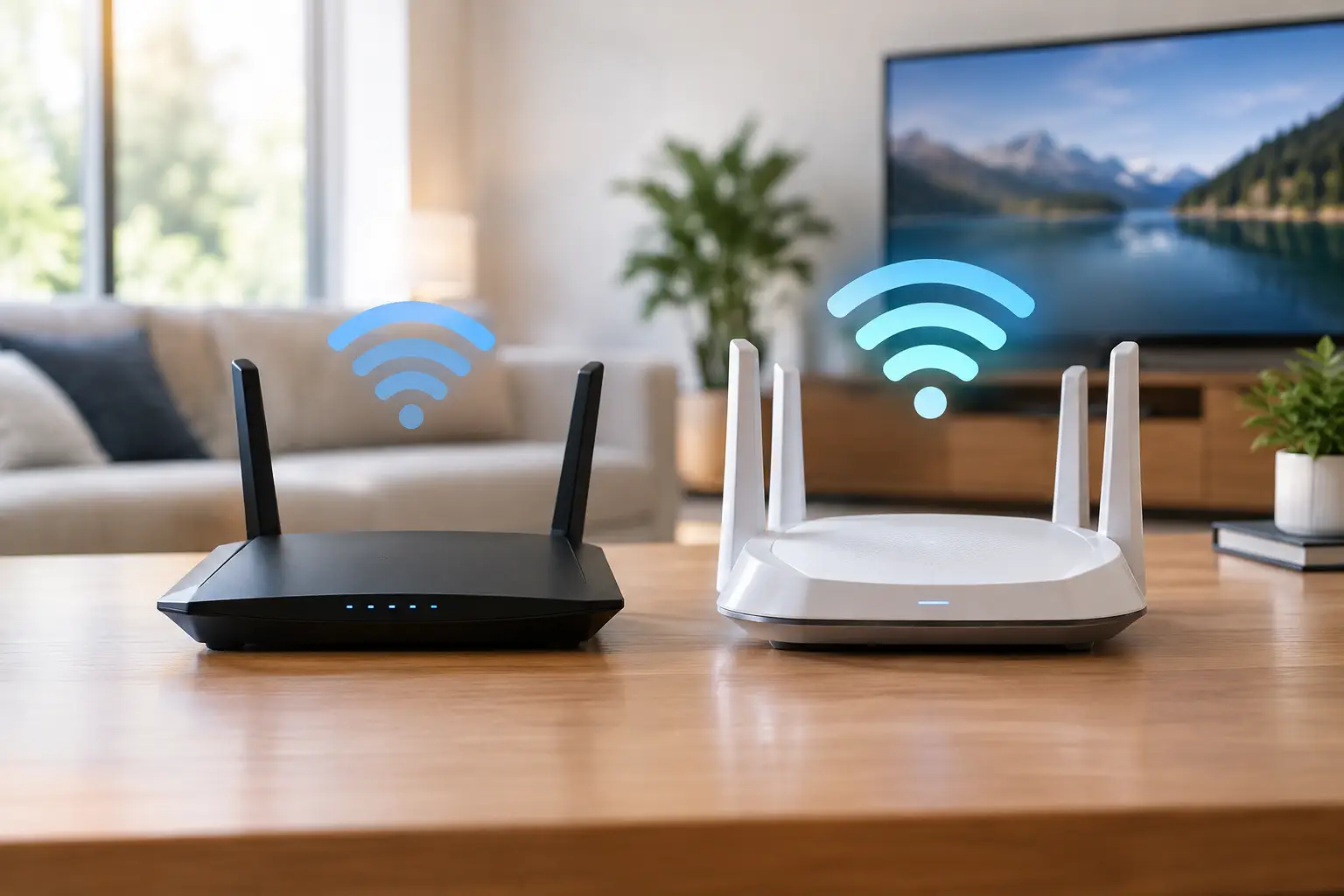
A new router can make your home connection feel better, but not every newer Wi-Fi label delivers a noticeable change. In the question of Wi-Fi 6 versus Wi-Fi 7, Wi-Fi 7 is clearly the more capable technology. The practical question is whether your internet plan, home layout, and connected devices can actually use those extra capabilities.
For many households, a good Wi-Fi 6 router remains a sensible choice. Wi-Fi 7 is most compelling for people buying a router to keep for several years, using gigabit or faster internet, or dealing with a busy home full of newer phones, computers, TVs, gaming systems, and smart devices.
The short answer
Wi-Fi 6 is a mature, widely supported standard that handles a typical modern household well. It was designed to manage many devices more efficiently than older Wi-Fi generations, particularly when everyone is streaming, working, gaming, or using smart-home equipment at once.
Wi-Fi 7 builds on that foundation. It can move more data at once, reduce delays in the right conditions, and use available wireless bands more flexibly. It is not a magic fix for a weak signal on the far side of a large house, and it will not make a 300 Mbps internet plan deliver multi-gig speeds. Still, it offers meaningful advantages for homes with compatible devices and faster service.
The simplest recommendation is this: buy Wi-Fi 6 if you need a dependable, reasonably priced router now. Consider Wi-Fi 7 if you are upgrading to 1 Gig or faster internet, replacing several-year-old equipment, or want to avoid another router upgrade soon.
Wi-Fi 6 versus Wi-Fi 7 at a glance
| Feature | Wi-Fi 6 | Wi-Fi 7 | |—|—|—| | Technical name | 802.11ax | 802.11be | | Best use | Most homes and typical broadband plans | Fast plans, busy homes, newer devices | | Wireless bands | 2.4 GHz and 5 GHz | 2.4 GHz, 5 GHz, and 6 GHz on compatible models | | Maximum channel width | 160 MHz | 320 MHz in the 6 GHz band | | Device support | Common on current devices | Growing, but still less common | | Cost | Usually lower | Usually higher | | Main benefit | Better efficiency in busy networks | Higher capacity, lower delay, and faster local connections |
The maximum speeds advertised for either standard are theoretical lab numbers. A router box may list an extremely high combined speed, but that number is spread across multiple bands and devices. The speed you see on one phone or laptop will be lower and depends on distance, walls, interference, the device itself, and your internet plan.
What Wi-Fi 6 does well
Wi-Fi 6 was a major step forward from Wi-Fi 5. Its biggest improvement was not just higher peak speed. It was better management of a crowded network.
Think about a household where one person is on a video call, another is streaming 4K television, kids are gaming, and smart speakers, cameras, thermostats, and tablets are all connected. Older Wi-Fi routers can get inefficient when many devices ask for data at the same time. Wi-Fi 6 is better at scheduling those requests, which can help the network feel more responsive.
It also includes features designed to reduce congestion and help battery-powered devices communicate more efficiently. You do not need to understand the technical names to benefit from them. What matters is that Wi-Fi 6 can provide a stable experience for a household with a 100 Mbps plan, an active family using 300 to 500 Mbps service, or even many gigabit internet customers.
A Wi-Fi 6 router is often enough if your devices are mostly a few years old, your internet plan is below 1 Gig, and your current problem is not severe coverage gaps. If the router is placed well and your home is not unusually large or difficult for wireless signals, it can be an excellent value.
Where Wi-Fi 7 improves the experience
Wi-Fi 7 adds several improvements that matter most when the router and the connected device both support them.
One is wider wireless channels. In the 6 GHz band, Wi-Fi 7 can use channels up to 320 MHz wide, compared with 160 MHz for Wi-Fi 6. More available space can allow higher speeds between compatible devices, especially at shorter distances from the router.
Another is Multi-Link Operation, often called MLO. Instead of having a device rely on one Wi-Fi band at a time, MLO can let it use more than one band in a coordinated way. In plain English, that can help the connection choose a clearer path or carry traffic more efficiently. This is useful for delay-sensitive activities such as online gaming, video calls, cloud gaming, and wireless virtual reality.
Wi-Fi 7 can also make more efficient use of a channel that has some interference. Rather than avoiding an entire section of wireless space because part of it is busy, it can work around the affected portion. That can be helpful in apartments, condos, and neighborhoods with many nearby networks.
These improvements are real, but they are conditional. A Wi-Fi 7 router connected to an older phone will still use the older phone’s Wi-Fi capabilities. The router may improve overall network management, but that phone will not suddenly receive Wi-Fi 7 speeds.
Do you need Wi-Fi 7 for fast internet?
Not necessarily. Your internet plan sets the maximum speed coming into your home. If you have a 300 Mbps plan, a Wi-Fi 7 router cannot turn it into 1 Gig service. A quality Wi-Fi 6 router should generally handle that plan well when the signal is strong.
Wi-Fi 7 makes more sense with 1 Gig, 2 Gig, or faster service, particularly if you want to use that speed over Wi-Fi instead of only through wired Ethernet. It can also improve transfers inside your home, such as copying large files between computers or accessing a network storage device. Those activities do not depend on your internet plan, but they do require compatible equipment.
For a heavy-use household with multi-gig internet, Wi-Fi 7 can prevent the router from becoming the weak point. Make sure the router also has Ethernet ports fast enough for your service. A router with only 1 Gig internet ports cannot deliver more than about 1 Gig to the home network, even if its Wi-Fi hardware is capable of more.
Wi-Fi 6E is worth understanding, too
Wi-Fi 6E sits between Wi-Fi 6 and Wi-Fi 7. It uses the same basic generation as Wi-Fi 6 but adds access to the 6 GHz band.
The 6 GHz band can be less crowded than 2.4 GHz and 5 GHz, which may help performance in dense areas. However, its signal does not travel through walls as well as lower-frequency Wi-Fi. It is often strongest in the same room or nearby rooms, not necessarily across a large home.
A Wi-Fi 6E router can be a smart middle-ground purchase if it is priced well and you have devices that support 6 GHz. But if Wi-Fi 7 routers are only moderately more expensive, buying Wi-Fi 7 may offer better long-term value.
When a Wi-Fi 7 router is a good purchase
A Wi-Fi 7 upgrade is easiest to justify when several factors apply at once. You have 1 Gig or faster service, own or plan to buy newer Wi-Fi 7 phones or computers, and expect to keep the router for five years or more. It can also be a good fit for a home with many high-demand devices operating at the same time.
It may be especially worthwhile for someone replacing an older Wi-Fi 5 router. Even before every device supports Wi-Fi 7, the new router can support older Wi-Fi 5 and Wi-Fi 6 devices while preparing the network for future purchases.
Renters and homeowners in apartments or tightly packed neighborhoods may also benefit from Wi-Fi 7’s improved handling of congested wireless airspace. Still, placement matters. A router hidden in a cabinet or placed at one far end of the home will underperform regardless of its Wi-Fi generation.
When Wi-Fi 6 is the better value
Choose Wi-Fi 6 when your existing plan and devices do not call for a premium upgrade. It remains a strong option for typical homes with 100 Mbps to 500 Mbps internet service, several streaming devices, video calls, and everyday gaming.
It is also the better answer when coverage is the real problem. A single expensive Wi-Fi 7 router may not reach every corner of a large, long, or multi-story home. In that situation, a properly placed mesh system or an additional wired access point can do more for reliability than simply buying the newest standard.
Before replacing a router, try moving it to a central, open location away from thick walls, large metal objects, and other electronics. If possible, connect stationary devices such as gaming consoles, desktop computers, and streaming boxes with Ethernet. That reduces wireless congestion for the devices that truly need Wi-Fi.
Check more than the Wi-Fi label
When comparing routers, look beyond Wi-Fi 6 or Wi-Fi 7. Confirm that the model has enough Ethernet ports, supports the speed of your internet service, and has a mesh option if you need broader coverage. For a larger home, the number and placement of access points often matter more than the highest advertised wireless speed.
Also check your devices. A new laptop, flagship phone, or recent gaming handheld may support Wi-Fi 7, while many otherwise capable televisions and smart-home devices still use older Wi-Fi versions. That is normal. Wi-Fi 7 routers are backward compatible, so older devices should still connect.
The right choice comes down to what your household needs now and what it is likely to need next. A well-placed Wi-Fi 6 router can be plenty for years, while Wi-Fi 7 is a sensible investment when faster service, newer devices, and a busy network make its extra headroom useful.