
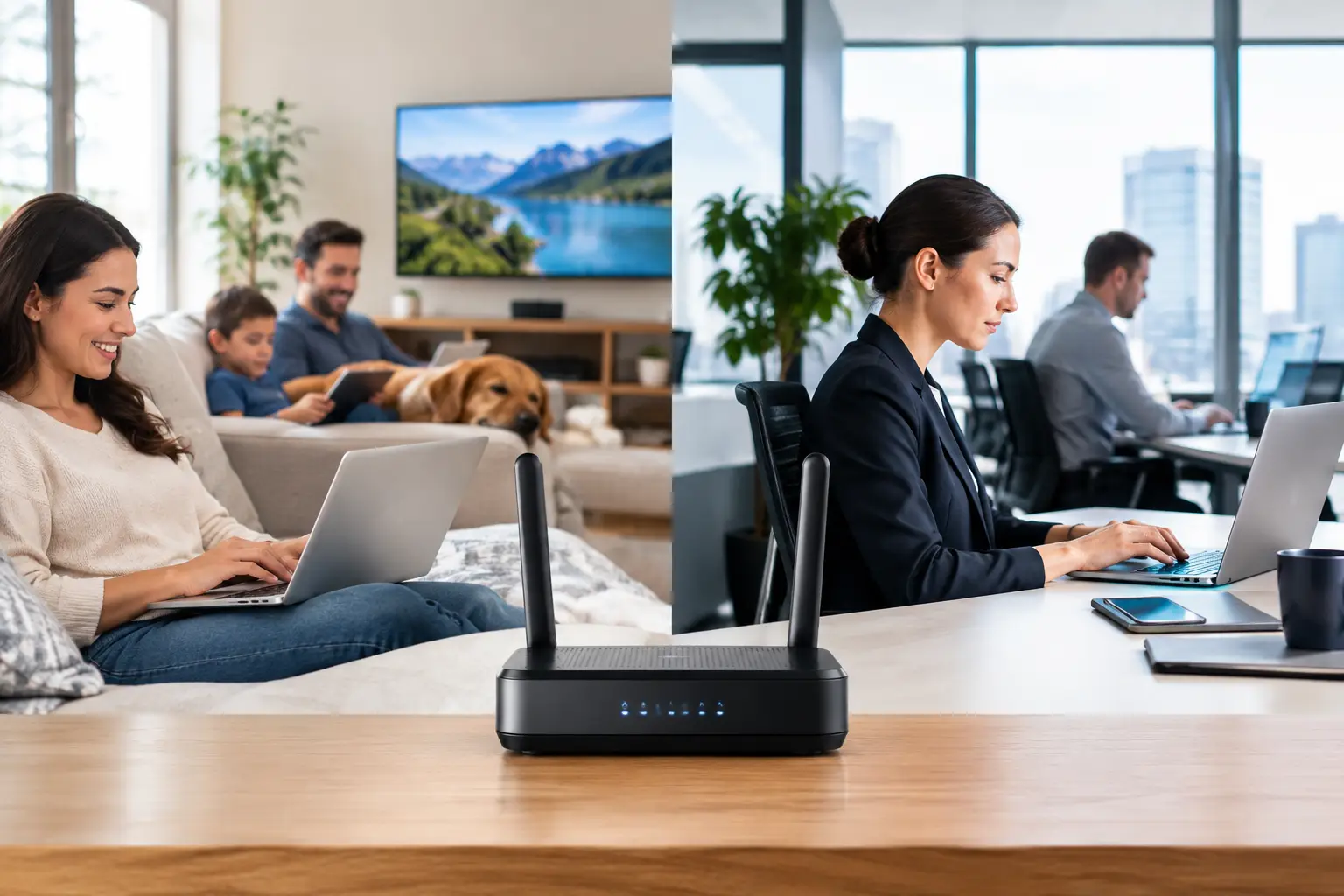
A dropped video call is annoying when it interrupts a family chat. It can cost money when it prevents a salon from taking appointments, a contractor from sending an estimate, or a small office from processing payments. That practical difference is at the center of business internet vs residential service. Both can use the same fiber, cable, fixed wireless, or satellite network, but the plan behind the connection may be built for very different expectations.
For many people who work from home or run a small business, residential internet is still the right choice. Business internet becomes worth the added cost when downtime, slow uploads, support delays, or network limitations create a real problem for customers or employees.
The biggest difference is the service commitment
Residential internet is designed for household use. Providers expect streaming, online gaming, video calls, schoolwork, cloud backups, smart home devices, and many people sharing Wi-Fi. A good current starting point is 100 Mbps, while active families generally benefit from 300 to 500 Mbps. Heavy-use homes with multiple gamers, frequent large downloads, and lots of 4K streaming may want 1 Gig service or faster.
Business internet is designed around continuity. Plans often include better technical support, faster repair targets, and terms that describe what happens if the service fails. These terms are commonly called a service-level agreement, or SLA. In plain English, an SLA may set a target for how quickly the provider responds to an outage or restores service.
That does not mean business service never goes down. A storm, construction accident, neighborhood equipment failure, or power outage can still affect it. The difference is that a business plan may receive a higher support priority and have clearer accountability when something goes wrong.
A residential customer might be told that a repair is scheduled for the next available appointment. For a business that depends on being online, waiting several days can be unacceptable. That is where a business plan can earn its higher monthly price.
Business internet vs residential speed
Speed is not as simple as the label on the plan. A 1 Gig residential connection may be faster than a 300 Mbps business plan, especially if the business plan uses older cable or DSL infrastructure. Always compare the actual download and upload speeds offered at your address.
The more meaningful difference is often upload speed. Download speed affects how quickly devices receive information, such as streaming video, web pages, and game updates. Upload speed affects sending information out, including video calls, cloud backups, security camera footage, large files, and photos or videos shared with clients.
Many cable-based residential plans offer much faster downloads than uploads. That works well for a typical household, but it can feel limiting for a design studio uploading project files or an office with several people on video meetings. Fiber plans often offer equal download and upload speeds, sometimes called symmetrical speeds. Symmetrical fiber can be available on either residential or business plans, depending on the address and provider.
A home-based accountant who mostly uses web apps and joins a few video calls may be perfectly comfortable with 300 Mbps residential service and solid Wi-Fi. A business with ten employees making simultaneous calls, syncing files, and using cloud-based phone systems needs to pay closer attention to upload capacity, not just a big download number.
Support, repairs, and installation can be different
Business plans commonly offer dedicated business support teams and longer support hours. Some provide 24/7 assistance, while residential support may have different hours or a more general repair process. The exact experience varies widely, so it is worth asking what support is included rather than assuming every business plan has the same response time.
Installation can also differ. A residential installation usually gets internet working at a convenient location in the home. A business installation may involve running a new line, placing equipment in a network closet, coordinating with a landlord, or arranging a site survey. That can mean a longer setup period and, in some cases, a substantial installation charge.
For a storefront, medical office, or other location where customers rely on the connection, that extra planning can be useful. For a solo business working from a spare bedroom, it may be unnecessary.
Business features that may matter
Business internet plans can include features that residential service either does not offer or handles differently. A static IP address is one example. An IP address is the number that identifies your connection on the internet. Most homes receive an address that can change from time to time. A static IP stays the same.
A static IP can help if you host a server, need secure remote access to office equipment, or use certain specialized camera, phone, or network systems. It is not necessary for ordinary web browsing, streaming, email, video calls, or most cloud-based business software.
Some plans also include options for multiple phone lines, managed Wi-Fi, guest networks, cellular backup, or security tools. These can be helpful, but they should not be treated as automatic reasons to upgrade. A small business may get better results by using a strong router, separating guest Wi-Fi from work devices, and keeping a mobile hotspot ready for emergencies.
Price and contract terms deserve close attention
Business internet usually costs more than a residential plan with similar advertised speeds. The price may reflect support commitments, equipment, installation, static IP options, and the provider’s expectation that the connection supports commercial activity.
The monthly price is only part of the comparison. Ask whether the rate changes after a promotional period, whether taxes and equipment fees are extra, and whether there is a contract. Business plans may require a longer commitment or charge an early termination fee. Residential plans can also have price increases and equipment fees, but they are often easier to cancel or change.
Do not assume a business plan includes unlimited data, either. Data policies vary by technology and location. This matters most for operations that transfer very large files, store camera recordings online, or use the connection for constant cloud backups.
When residential internet is usually enough
Residential service is often a sensible choice for a freelancer, remote employee, side business, or very small operation that can tolerate an occasional interruption. It is especially reasonable if the work is largely web-based and does not involve hosting equipment, handling nonstop transactions, or serving several employees at one location.
Before paying more for business service, make sure the home network is not the real issue. Weak Wi-Fi, an outdated router, poor router placement, or too many devices on one wireless band can make a fast connection feel slow. Plugging a work computer into the router with Ethernet is often the quickest way to find out whether Wi-Fi is the bottleneck.
For home offices, 300 to 500 Mbps is a comfortable range when several people use the connection for work, school, streaming, and smart devices. A 1 Gig plan may make sense for heavier households, but it will not fix unreliable Wi-Fi or improve a video call when the problem is poor signal inside the house.
When a business plan is the better fit
Business internet is easier to justify when being offline immediately affects revenue, customer service, or employee productivity. Think of a restaurant that relies on online ordering, a retail store that needs payment terminals, or an office where every employee depends on cloud software and internet calling.
It is also a stronger choice when your operation needs a static IP, dedicated technical help, symmetrical upload speeds, or a formal repair commitment. At that point, the question is less about getting the highest speed for the lowest price and more about reducing the impact of a failure.
Before choosing either option, answer four practical questions:
- What stops working if the connection goes down for several hours?
- How many people and devices need the connection at the busiest time?
- Do large uploads, video meetings, cloud phones, or security cameras create a real upload-speed need?
- Can a mobile hotspot or second connection keep essential work running during an outage?
A backup plan is often more valuable than a modest speed upgrade. A business that cannot be offline may need a second connection using a different technology, such as fiber plus cellular backup, rather than relying on one supposedly premium line.
Choose the service based on what an interruption would actually cost you. If residential internet meets your needs and a backup hotspot covers the occasional outage, keep the simpler plan. If every lost hour affects customers or payroll, paying for business-grade support and a backup connection can bring far more peace of mind than another headline speed increase.